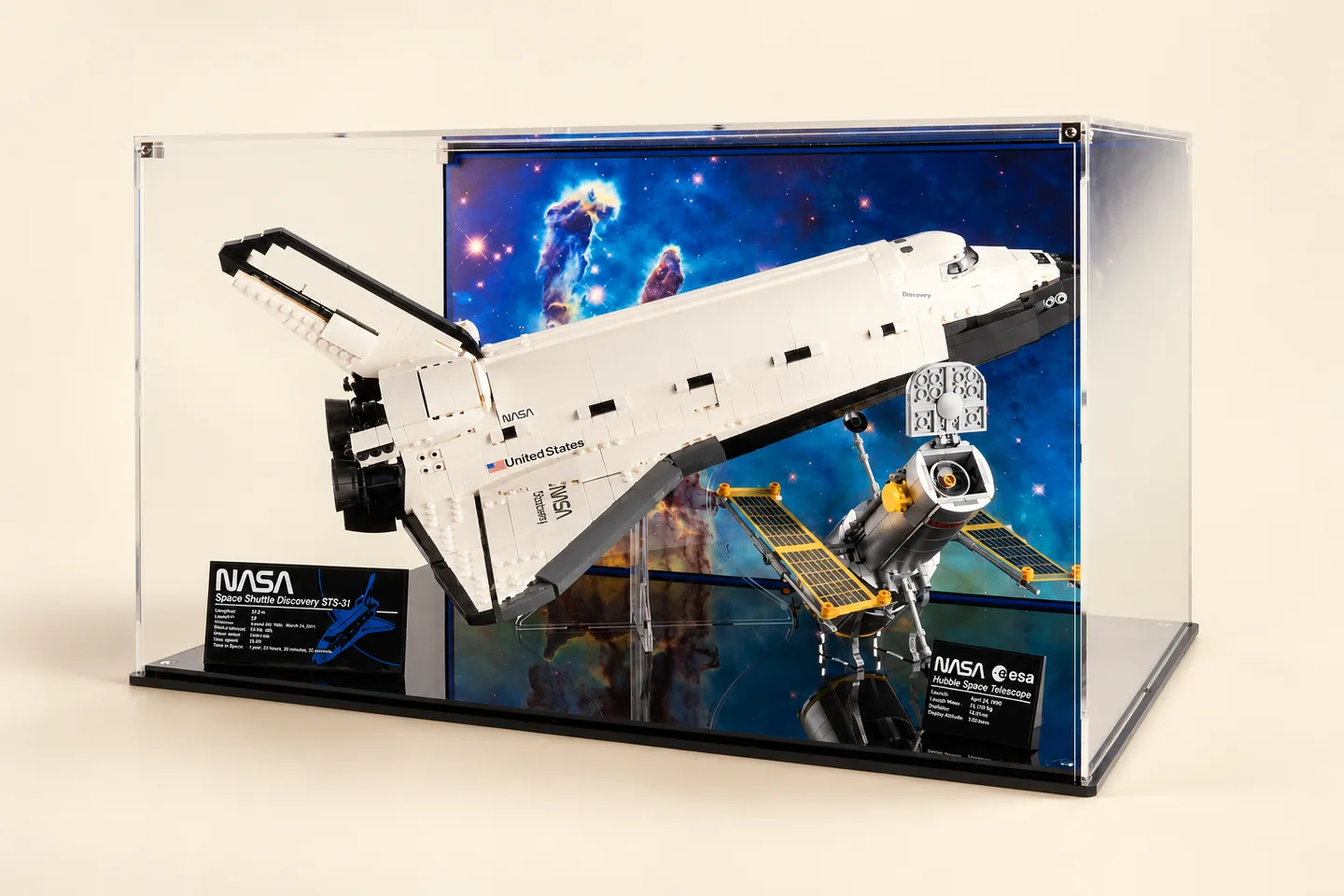
Cover image: CubeBuff · used with permission · AI-assisted composition and tonal edits; reference illustration, not a product test.
A LEGO display case needs to fit the assembled model, its stand or scene, and the shelf where the complete case will sit. Start with the exact set number and your finished arrangement. Then check the case's internal space, its external footprint and how you will remove the cover.
A case advertised for a theme or a similar-looking model is not enough to establish compatibility. Different versions, custom additions and display poses can change the envelope you need. This guide is a planning checklist, not a test of a particular case or a table of verified set dimensions.
Identify the exact build
Record the set number from the box, instructions or your own collection records. LEGO's building instructions service can help you locate instructions for the identified set. Use it to check which build and accessories you are planning to display; it does not replace measuring your completed arrangement.
Write down any changes: a different stand, an open canopy, a raised wing, a custom base or a group of separate models. If you are considering a case advertised for an exact set, compare the advertised pose with yours.
Measure the model as it will be displayed
Place the build in its final orientation. Include the stand, baseplate, visible accessories and anything positioned beside it. Check width, depth and height at the outermost points without compressing flexible elements to make them fit.
Use the measurement worksheet method to keep the model envelope separate from clearance and case dimensions. If the build is not finished, treat a supplier's compatibility statement as a statement to verify, rather than recording an unmeasured size as your own result.
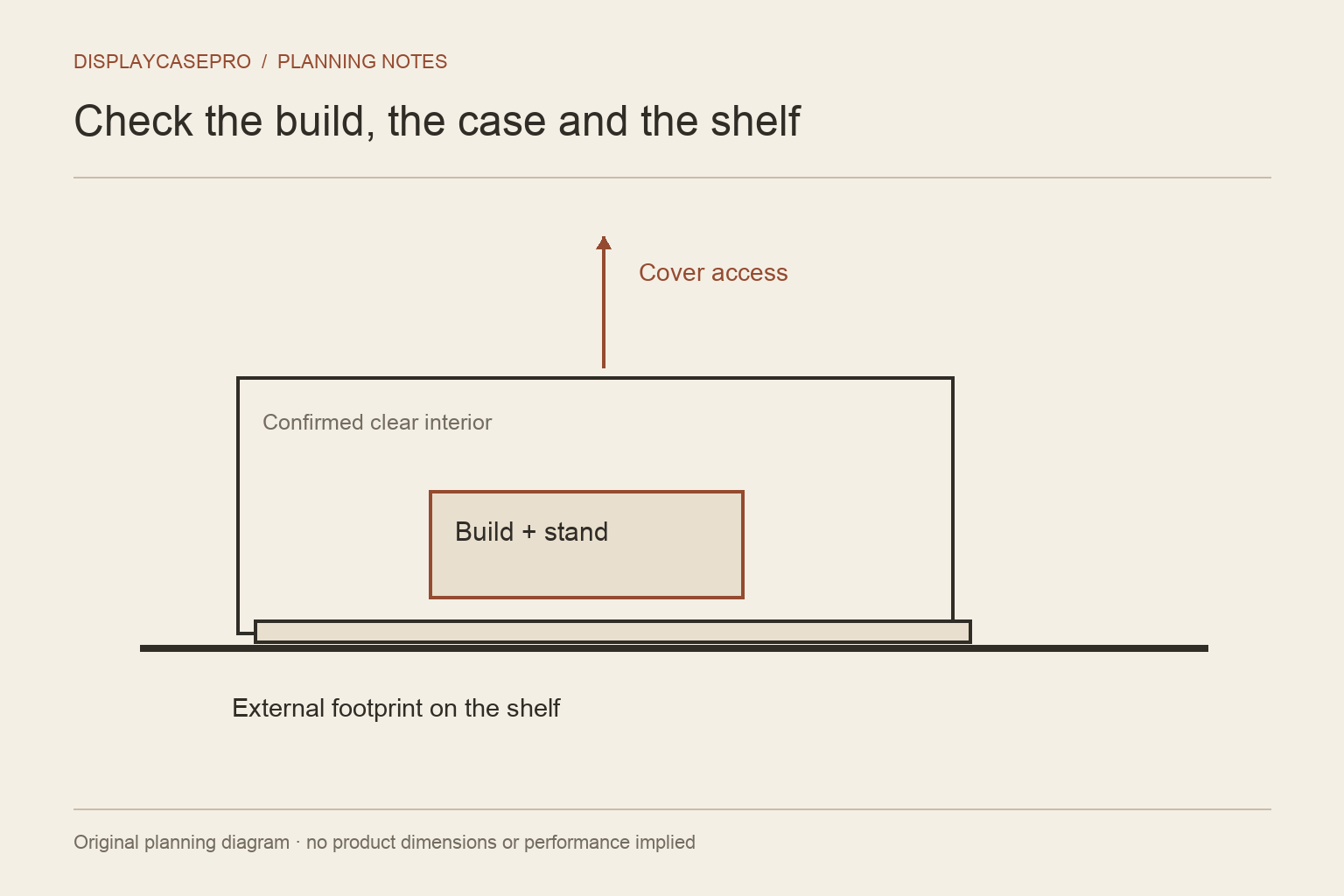
Compare internal space and external footprint
The model fits inside the case; the case fits on the shelf. These are two separate comparisons. Check whether the stated internal dimensions are clear usable dimensions and whether the base, joints or a raised platform reduce them.
Then measure the shelf's usable surface. Include anything that competes for space, such as a rear cable route or a lip at the front. Confirm the shelf's documented load capacity for the entire arrangement. A case that fits the shelf outline can still be unsuitable if its load or access requirements are unresolved.
Rehearse removing the cover
A lift-off cover needs a practical route up and away from the model. A shelf immediately above it can make that awkward. A front opening has different requirements, including room for the door or panel and your hands.
Make a full-size paper outline of the case footprint. Use a lightweight cardboard mock-up to understand the opening route if helpful, without placing it on delicate model parts. Consider where you will put the removed cover and how you will reach the build for cleaning or changes.
For models with fragile projections, access is part of the buying decision. Do not assume the model can be tilted or repeatedly disassembled whenever you need to move it.
Ask specific questions about materials and protection
Check the exact material, construction, cleaning guidance and available product specifications. Our acrylic and glass comparison explains why the material name alone does not establish performance.
Ask what the supplier means by dust protection and whether any UV claim applies to the actual product you are buying. Avoid placing the collection in strong direct sunlight simply because it has a clear cover. The Canadian Conservation Institute describes light and UV as risks to plastic objects; that guidance is a reason to assess location, not a claim that this guide has tested your model or enclosure.
Compare the same arrangement across products
Use one shortlist sheet for each candidate. Record the advertised compatibility, usable interior, external size, access method and missing information. Add the date and link to the current supplier specification.
Do not rank a case as the best solely because the model name appears in its title. A confirmed fit in the wrong room location may still be a poor practical choice. Equally, a larger case can use more shelf space without solving a difficult opening route.
Plan for the next change
Decide whether the case is for one finished scene or a collection that will be rearranged. Recheck the measurements when you add a stand, extra figures or a backdrop. Keep the original shortlist notes so you know which assumptions changed.
For related questions about format and arrangement, use the LEGO display topic. It brings the measurement, materials and room-planning guides together without treating every build as the same size.
Keep the LEGO set and display configuration together
A set number identifies the build being discussed; it does not describe every pose, modification or display accessory. Keep one fit record for the arrangement you actually intend to show.
| Detail | What to record |
|---|---|
| Build identity | Exact LEGO set number and any modifications |
| Display pose | Moving parts, landing gear or other configuration relevant to the footprint |
| Included objects | Stand, plaques, figures, loose accessories and scenery |
| Case identity | Exact maker, case model and selected version |
Ask whether a compatibility statement covers that complete configuration. Keep a maker’s statement and your own measurements as separate evidence. Once a case is selected, use the acrylic case cleaning checklist to plan care of its identified components. Return to LEGO display ideas when choosing between a shelf case, a wall arrangement and a shared cabinet.
Comments
Share a display tip or ask a question.