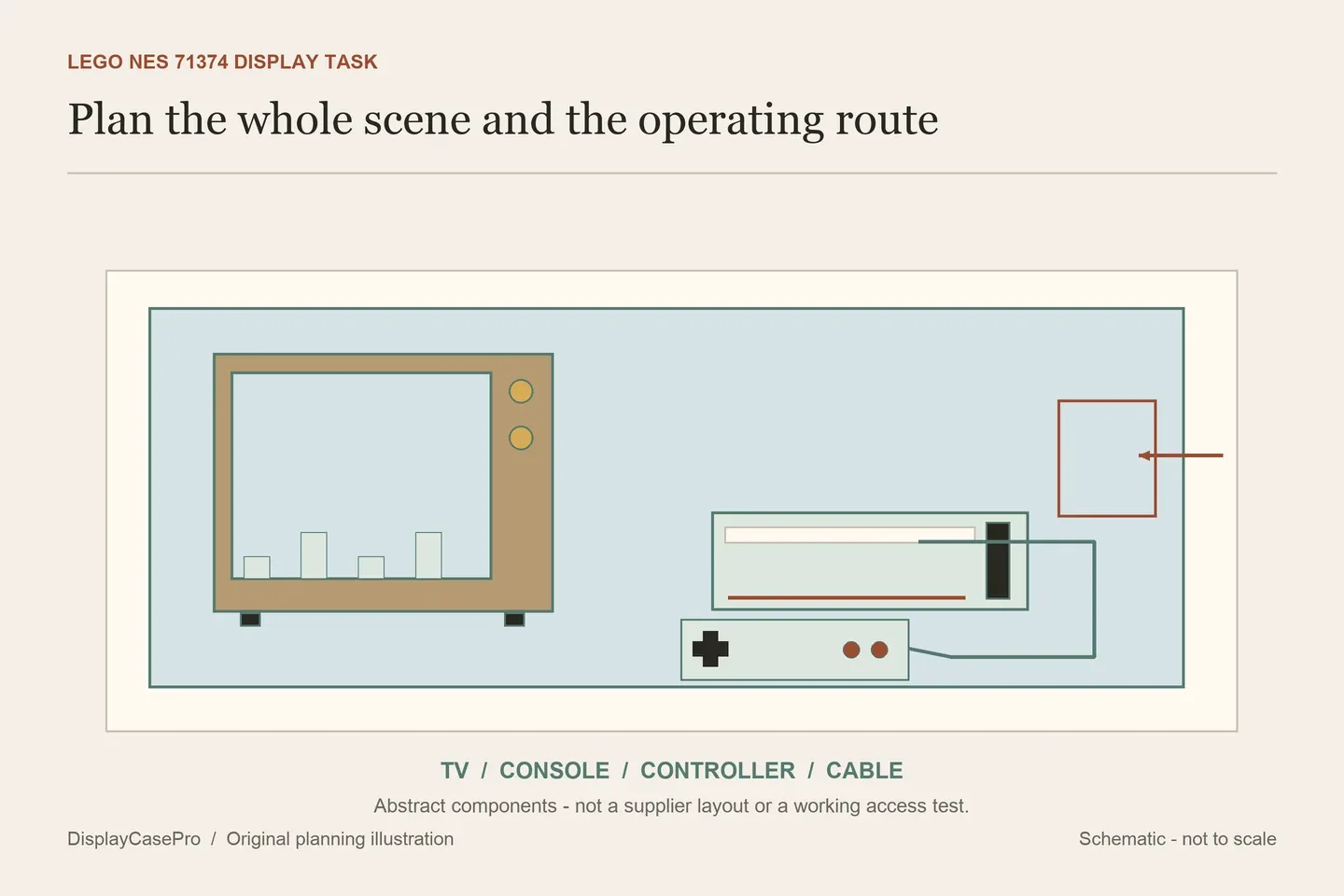
Choose a LEGO NES display case for the complete 71374 scene and the functions you want to reach. The television, console, controller, cable and Game Pak can occupy different layouts. A side door for the TV's rotary controls answers a different access need from lifting off an entire cover.
Start with all the components, not the TV alone
LEGO's 71374 description identifies the console, controller with cable and plug, buildable Game Pak and retro television. The TV has a handle-operated scrolling screen. LEGO's descriptive TV reference is over 22.5 cm high, 23.5 cm wide and 16 cm deep.
Those figures belong to the television, not the width of the full scene. They do not include every console/controller arrangement, the cable route or the height of an optional interactive Mario figure. Keep the descriptive figures separate from the rounded dimensions widget.
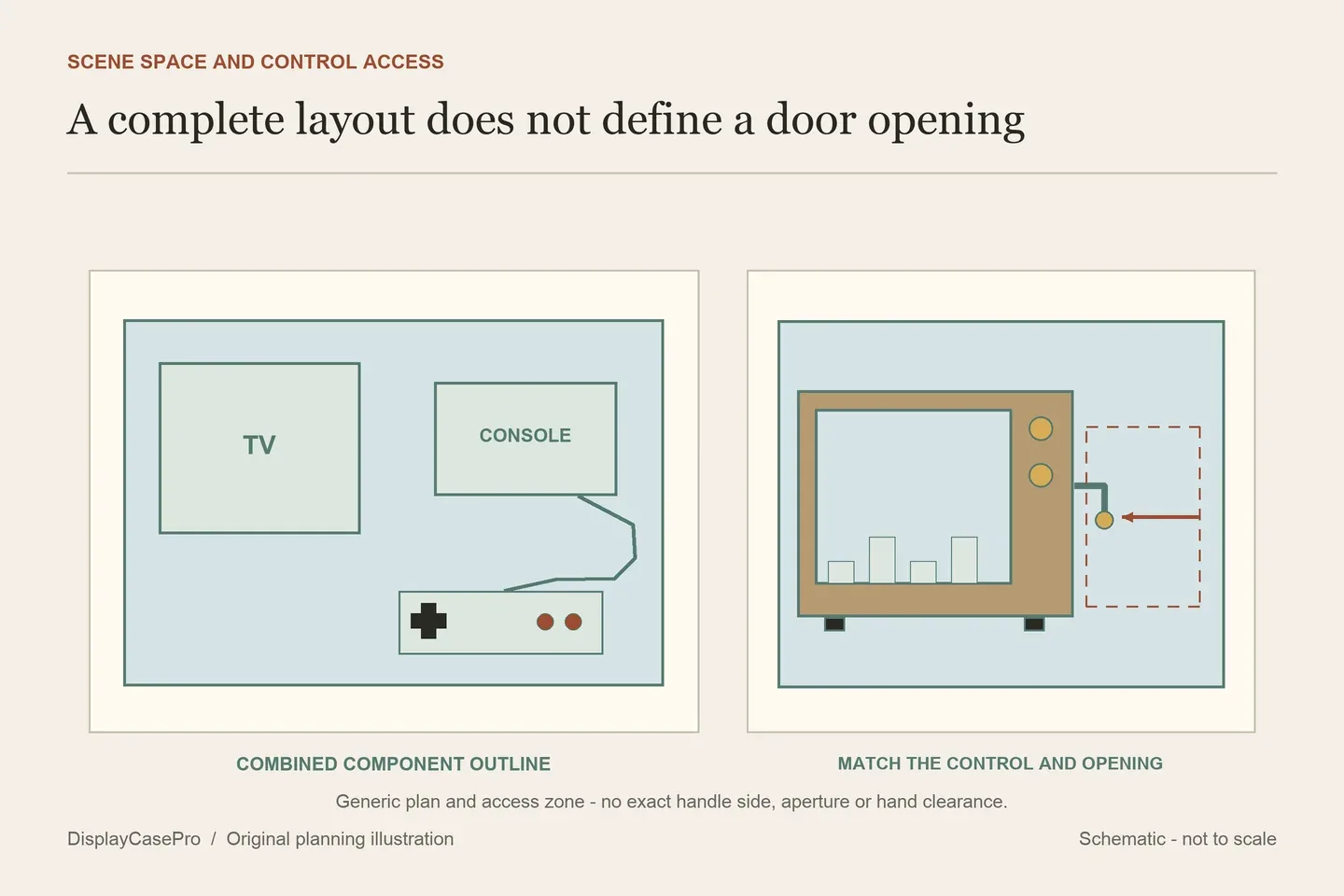
Draw a plan view of the display you want. Mark the TV and console independently, then place the controller, cable and any Game Pak displayed outside the console. A cartridge inserted into the console and one presented beside it create different space and viewing requirements.
If the chosen case provides fixed locations, begin with that intended layout. Ask whether moving a component changes its support or clearance rather than assuming an attractive photograph represents an unrestricted empty floor.
Decide what you want to operate after closing the case
Choose the access tasks individually. You may want to turn the TV handle frequently, change the Game Pak occasionally, arrange the controller or show a fixed scene. One opening does not necessarily provide all of those functions.
| Task | Space to identify | Ask the case maker |
|---|---|---|
| Turn the TV rotary control | The control's location, movement and the hand's approach. | Is there a matching door or must the whole cover come off? |
| Open the console's Game Pak slot | The slot/lid operation and the cartridge's removal route. | Can this happen within the intended scene, or only after opening the enclosure? |
| Use the optional interactive Mario figure | The complete figure on the TV and the route for placing/removing it. | What usable height remains over the supported TV? |
| Rearrange controller and cable | Controller support, plug and the complete cable path. | Which fittings locate them and how are they released? |
LEGO describes a separately supplied interactive Mario figure scanning the TV's action brick. If you intend that configuration, identify the actual figure and follow the relevant LEGO instructions. Do not assume every Mario-themed figure has the same function or that a case's unused-looking height proves access.
The iDisplayit 71374 case expressly describes a door on the side panel for the TV rotary controls. That is a specific feature to investigate. Request the opening dimensions and intended TV position; the published purpose is not our test of hand clearance.
Keep fixed layouts, side doors and dimension definitions separate
The following examples are supplier descriptions read in October 2026. A set-specific title narrows the product search, while the exact layout and measurement definition determine what can be compared.
| Case | Published dimensions | Layout or unresolved detail |
|---|---|---|
| iDisplayit 71374, EC522639NSD | Inside L52 × W26 × H39 cm; outside L54 × W28 × H40 cm. | Side door expressly intended for TV rotary controls; other access tasks still need checking. |
| Wicked Brick 71374, LDS160.1.7 | External W54.2 × D34.2 × H40.7 cm. | Located TV/controller, controller stems/cable slots and console/Game Pak studs; clear cover lifts from the base. |
| Ecometa 71374, ALL-110-22 | External W55 × D31 × H27 cm. | Base, background and lighting options need an exact configuration record; no rotary opening is specified in the description read. |
| Incase Displays 71374 | Approximate L530 × W250 × H260 mm. | Magnetic base described; the dimension line is not marked inside or outside. |
| BrickFans 71374 | 56 cm H × 33 cm W × 24 cm L, as written. | Inside/outside and intended arrangement are not identified. Request a labelled drawing rather than silently swapping the axes. |
The height differences cannot establish a best fit without the configurations. An interior above one particular base is different from a complete exterior that includes another support. A generous outer height does not prove room for the optional figure or access through the side.
Ecometa lists acrylic and conditional Forex base information. The word “if applicable” matters: those thicknesses are not necessarily all part of one selected product. Do not subtract every listed layer from the exterior to invent a usable interior. Obtain the actual base choice and clear space above it.
For an unlabelled dimension line, request inside and outside measurements in one consistent axis order. Keep approximate metric and inch values in their original context rather than combining rounded figures for a tighter fit.
Keep the controller and cable in the layout
The controller can sit in front of the console, to one side or on a maker's designated supports. Each arrangement affects the occupied footprint and can change which part of the television remains visible. Choose it before deciding the whole scene fits a shallow shelf.
Wicked Brick describes two clear controller stems with slots at the back for the cable, along with locations for the other components. That is an intended scene to inspect, not an instruction to route the cable through an arbitrary joint in another case.
Record the plug and cable in their normal supported route. Do not close a panel on the cable or rely on a sharp forced bend to keep it within the footprint. If the selected arrangement does not fit comfortably, resolve the layout with the maker rather than modifying the enclosure.
Keep the Game Pak position explicit as well. If it moves from the console to a separate studded position, include that change in the plan. Accessories visible in a product photograph should be checked against the actual set and display package; the cited cases exclude the LEGO model.
Check the door and cover at the chosen shelf
A side access door needs its own clear approach beside the case. Placing another enclosure immediately against it can defeat the feature even if both closed boxes fit on the furniture. Check that the intended hand movement does not depend on shifting the populated scene.
A lift-off surround needs a different route: sufficient room to clear the TV and other components, plus somewhere to place it. Determine which access tasks require that full operation. A fixed viewing display and a frequently operated TV need different routines.
Choose the background from the normal viewing position after the component layout is resolved. If lighting is selected, ask where its leads and controls sit. The display lighting guide covers the view and reflections; the lighting hardware's own occupied space still belongs in this scene record.
Use the blank NES layout and access worksheet to record each component, optional figure, side opening and cover route. The LEGO shelf case guide helps check the complete outside footprint on the receiving furniture.
Common questions
Does the official TV width describe the whole NES display?
No. The console, controller, cable and separately presented cartridge need their own positions in the combined outline.
Can I turn the TV handle in every 71374 case?
Only the actual opening and intended arrangement can establish that. The cited iDisplayit case describes a rotary-control side door; other cases may require removing their cover.
Does a side door provide access to everything?
Confirm each task separately. An opening intended for the TV control does not establish access to the console slot, cable or optional figure on top.
Comments
Share a display tip or ask a question.