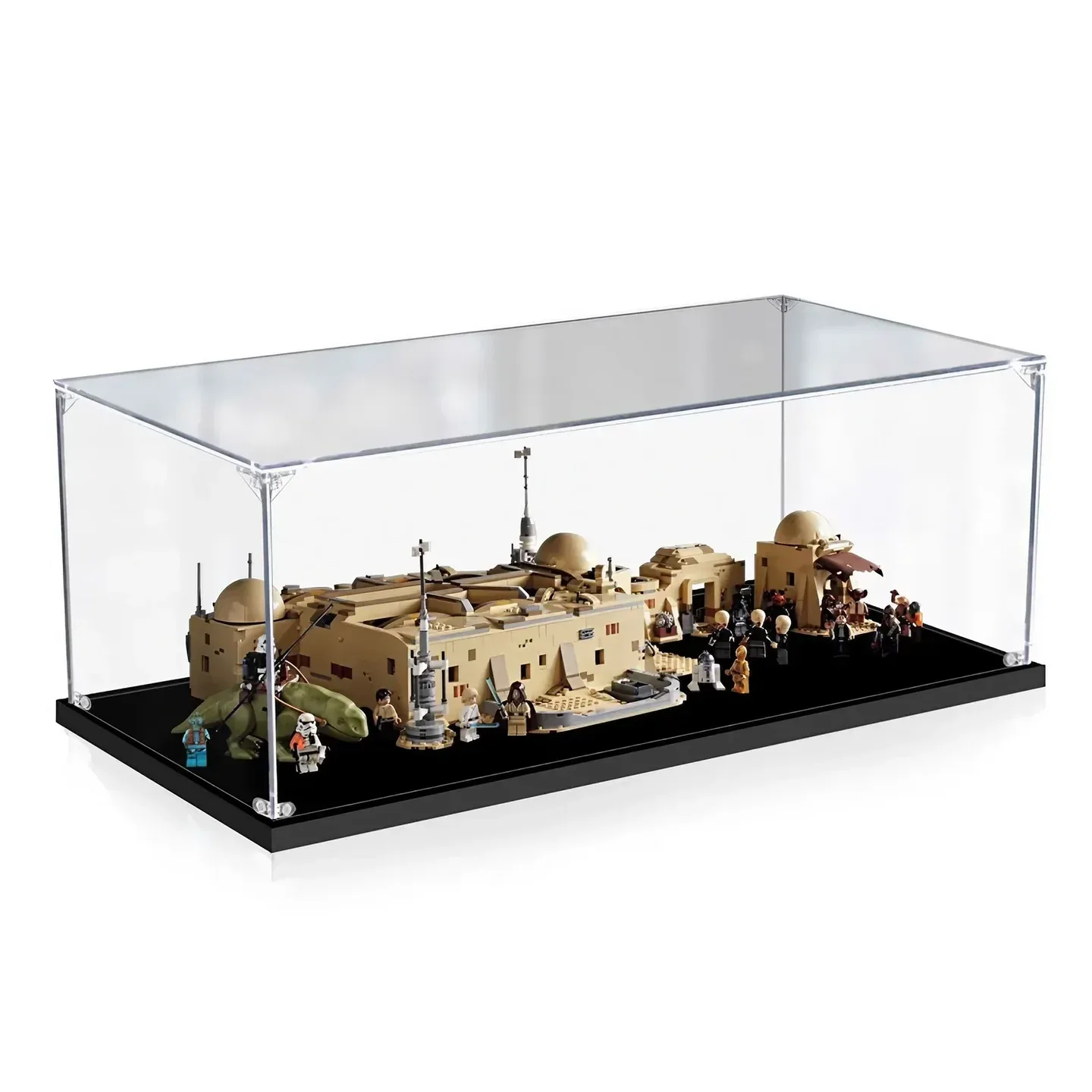
Choose a LEGO Mos Eisley Cantina display case for set 75290 in a defined closed or opened scene. LEGO's published model dimensions explicitly describe the Cantina when opened. Some case makers quote a shallower floor while advertising an open or closed display, so the intended layout needs more than a shared set number.
Keep the Cantina, attachable buildings, figures, Dewback and two Landspeeders in one plan. Then compare that actual arrangement with the supplier's usable interior and base positions. Do not invent a section rotation to make the published numbers agree.
Keep “when opened” with LEGO's dimensions
The official 75290 specification gives the Cantina as over H19 × W52 × D58 cm when opened. It describes a removable roof, attachable buildings, two Landspeeders, a Dewback and 21 minifigures, with an additional R2-D2 figure.
That is a useful model reference with an explicit state. It is not a closed-building size, a maximum for every hinge angle or a measured floor plan of all the surrounding pieces in your preferred positions.
If you want the exterior frontage as the everyday view, record that arrangement separately. If the booths and bar are the priority, record the actual opened plan and roof state. Calling both layouts “75290” does not make their receiving-space requirements identical.
Give the building and surrounding scene separate positions
Draw the central Cantina and attachable buildings from above, then add the vehicles, Dewback, characters and information plaque. Mark which pieces remain connected and which sit independently. Use the complete retained scene rather than measuring only the main roof.
Decide how the minifigures should be seen. A row across the front, characters at the entrance and a populated interior can occupy different areas. A maker's front studs may support one composition without documenting arbitrary figure positions around every opened section.
Record the roof choice too. Keeping it on, removing it for a view or placing it beside the model are different arrangements. If it stays outside the case during a demonstration, identify its resting place separately from the normal display floor.
The authorized CubeBuff cover photograph shows one clear-case composition with figures. Use it as visual context, rather than a dimensioned drawing of your own opened scene or evidence that another supplier's base receives the same arrangement.
Separate a clear cavity from a complete exterior
These supplier descriptions were read in October 2026. They retain the published units, axes and boundaries. They are not hands-on fit tests or a ranking of products.
| Exact case | Published figures | State and access question |
|---|---|---|
| Wicked Brick | External W67 × D57 × H23.3 cm. | Maker describes an exterior view, set positions and 21 figure studs. Obtain the exact receiving plan before assuming an opened layout. |
| Kingdom Brick Supply | Approximate inside L77.6 × W45.6 × H23.2 cm; outside L79.1 × W47.1 × H24.1 cm. | 96 × 56-stud area and 16 screws. Ask for the complete intended building, figure and vehicle arrangement. |
| iDisplayit | Inside L78 × W47 × H20 cm; outside L80 × W49 × H21 cm. | Explicitly describes open or closed display. Obtain the actual opened drawing and compare it with your scene. |
| Flying Box | Case L30.5 × W18 × H9 in; separate base 31 × 18.5 in. | Case boundary unlabelled. Keep the larger base footprint and request usable space and intended model state. |
| Blacked Brick | External W72 × D50 × H21 cm. | Front figure studs and plaque are described. The main text read does not specify an opened-plan fit. |
Different exterior dimensions do not settle which layout a supplier has designed. Keep that question beside the numbers. A set-specific product title is useful identification, but it is not a substitute for a plan showing the actual connected sections and surrounding objects.
Ask for the layout behind an “open or closed” claim
LEGO's opened reference includes a 58 cm depth. iDisplayit's labelled receiving floor is L78 × W47 cm, while Kingdom Brick Supply gives an approximate L77.6 × W45.6 cm interior. Preserve those original definitions instead of silently rotating axes or relabelling the official state.
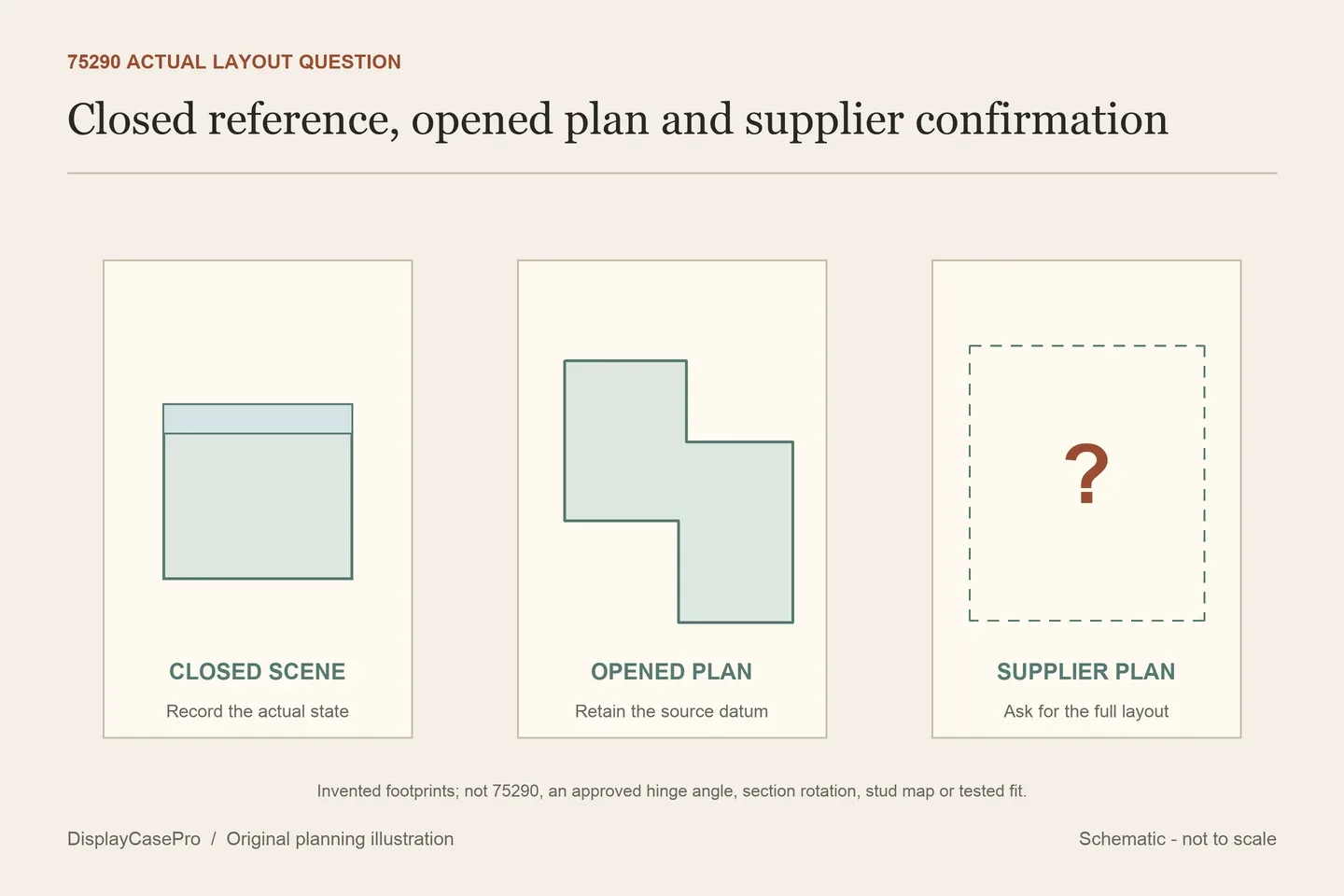
These figures alone do not explain the arrangement. An opened building has an irregular outline, and a supplier's fit statement may refer to a particular layout. Ask for that actual drawing, with the hinge positions, attachable buildings, vehicles and limiting clear surfaces identified.
This does not establish that a case is incompatible or that every opened arrangement fits. It identifies the missing evidence. Compare the supplied drawing with your intended scene and obtain confirmation of any difference before ordering.
Keep the original dimension wording in the enquiry. “Over 19 cm” is not an exact height that promises one centimetre of free space inside a 20 cm cavity. Check the highest retained detail above the finished floor, including the actual roof and accessories.
Stud-area figures need the same restraint. iDisplayit's 97 × 58-stud line and Kingdom Brick Supply's 96 × 56-stud line are separate base-format descriptions. Neither replaces the full scene outline, cover opening or clearance around a figure's projecting accessory.
Removing the case cover and the model roof are separate operations
Wicked Brick describes lifting the surround from grooves in the base. iDisplayit describes a top secured to the surrounding panels, with the completed cover resting on the base. Check the complete surround's route and a place to set it down before arranging regular access to the interior.
The removable LEGO roof does not establish room to remove it under a closed case. Decide whether you will open the enclosure first, then follow the model's instructions for access. Reaching a front figure is a different operation from changing the whole building state.
For an opened or closed scene, establish the settled layout before filling the case. Do not assume the building can move through every intermediate position while located on a fitted base. Request the maker's actual procedure rather than using an empty-looking patch of floor as permission.
Keep background versions accurate. Wicked Brick notes that its pictured vinyl treatment has been replaced by a UV-printed rear with the same design. A change in graphic process does not document UV filtering, a different cavity or electric lighting.
Kingdom Brick Supply and iDisplayit say their cases are not designed for relocation with the model inside. iDisplayit also calls for a flat supporting surface. Plan the final location using the complete external footprint, including Flying Box's separately larger base where relevant.
Use the Cantina layout and discrepancy worksheet to retain both source definitions and the supplier's confirmed plan. The LEGO shelf case guide covers placement; the display lighting guide covers views and reflections.
Common questions
Are LEGO's 52 × 58 cm figures for the closed Cantina?
The cited specification explicitly says the model is opened. Preserve that state with the reference.
Can I choose an opened layout from the case rectangle alone?
Obtain the supplier's actual plan. A rectangle does not identify hinge positions, attached buildings or where all the surrounding pieces belong.
Does “open or closed” mean the building can change state under the cover?
It describes display states. Continuous movement, base release and hand access require separate confirmation for the actual product.
Comments
Share a display tip or ask a question.