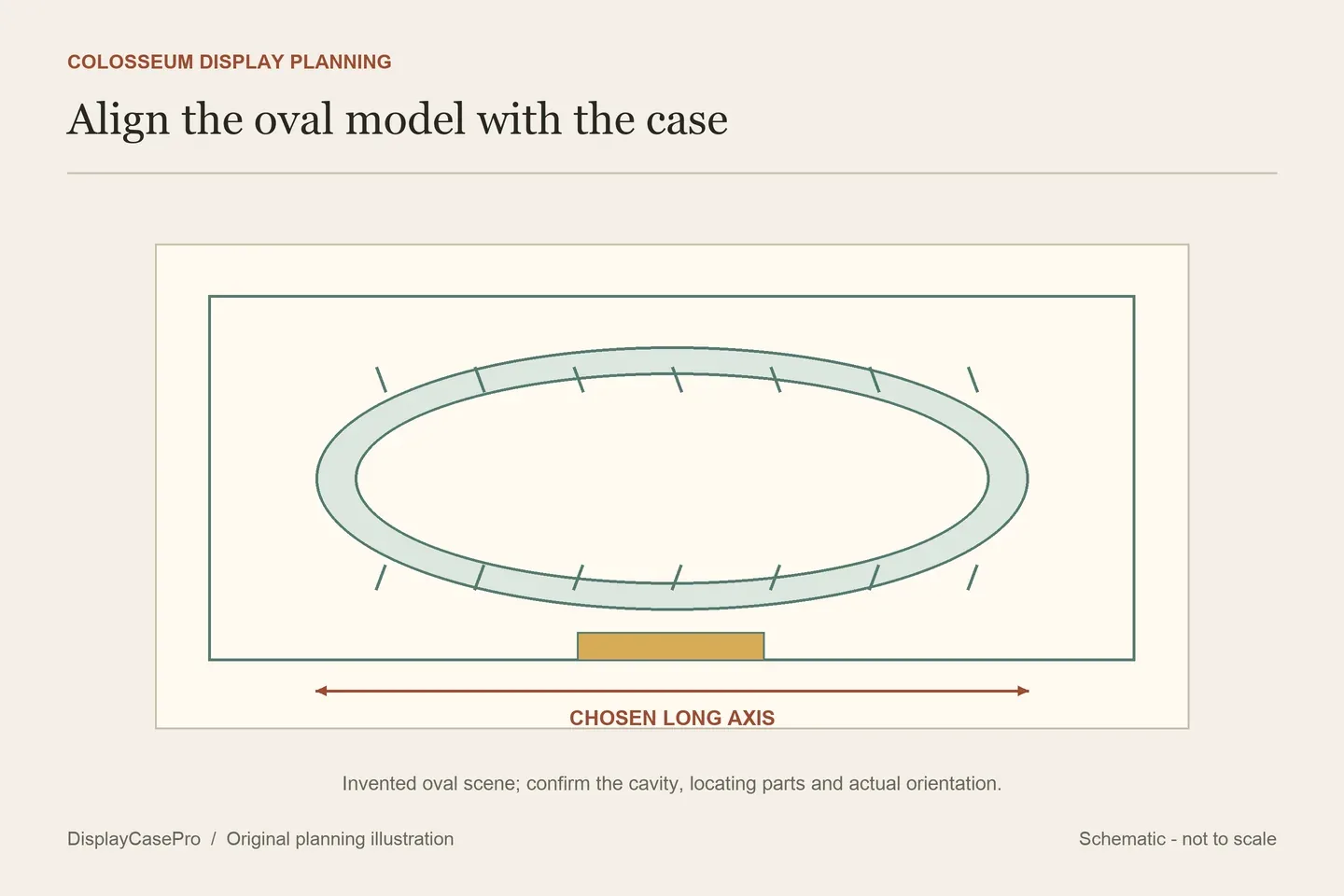
Choose a LEGO Colosseum display case around the complete 10276 oval base and the direction from which you want to see it. Align the model and case axes before comparing dimensions. A locating base, a clear surround and a printed rear can each affect how the amphitheatre is presented and reached.
The oval base belongs in the receiving outline
LEGO's Colosseum 10276 description identifies an oval display base, surviving outer arches and the hypogeum beneath the arena. Its descriptive metric reference is over H27 × W52 × D59 cm. These figures describe the model, rather than the usable space of a case or every modified scene.
Include the entire oval base, surrounding paving and any additions you intend to keep beside it. Measuring only the arena wall misses the object that actually rests on the display floor. Keep an extra vehicle, sign or landscape extension in the same plan instead of assuming it is covered by the original set number.
Decide which architectural feature should face the usual viewing position. Looking through the arches from a low seat and looking down into the arena from a standing position produce different compositions. The preferred view helps determine the model's orientation before a case or rear graphic is selected.
Match directions before comparing width and depth
| Record | What it describes | Why it matters |
|---|---|---|
| Complete model outline | The longest and shortest occupied directions of the assembled oval base and details. | The model's published width and depth retain their original orientation. |
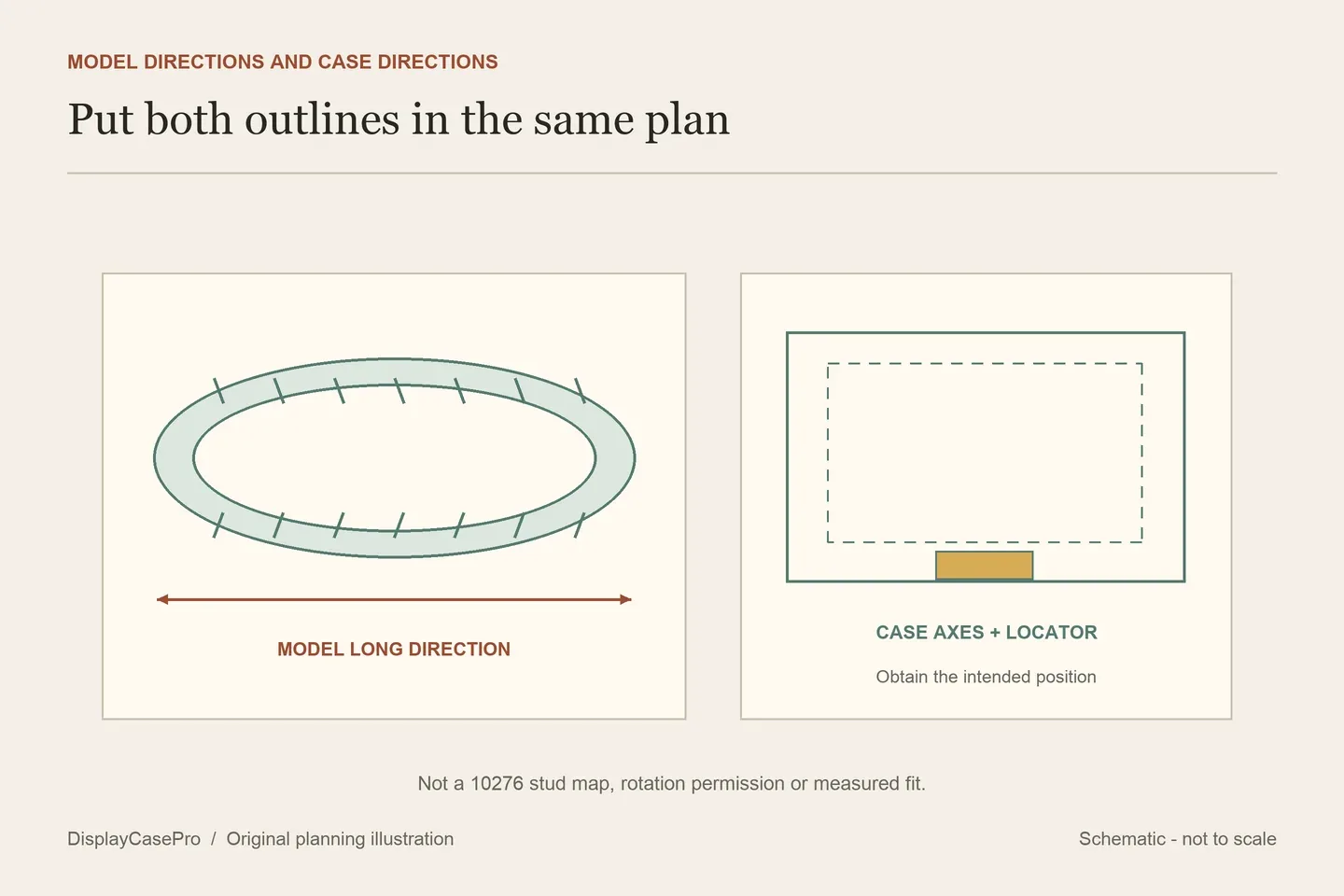
| Chosen position inside the case | The actual front, rear and long-axis direction relative to the case. | Turning the composition changes which model direction is compared with each case axis. |
| Whole case on furniture | The complete exterior and supporting base. | Usable interior and the furniture footprint answer different questions. |
A case's depth label need not align with the model's published depth after the model is turned. For example, the Wicked Brick exterior below is W67 × D57 cm, while LEGO's reference uses W52 × D59 cm. Those two rectangles alone do not prove either a fit or a failure: the intended orientation, locating arrangement and clear interior are still needed.
Ask for a plan showing the actual base position against labelled case axes. A diagonal arrangement changes both occupied directions; it is not a universal way to make an unsuitable enclosure work. A fitted stud or locator layout may also determine a position rather than permit free rotation.
Keep each published size attached to its boundary
The following descriptions were read on 17 October 2026. Blacked Brick and shopPOPdisplays specifications were available through indexed product descriptions while direct access was unavailable; confirm their current details before ordering. No completed Colosseum was physically fitted to these products for this guide.
| Specific listing | Published size | Receiving question |
|---|---|---|
| Wicked Brick, LDS530.1.7 | External W67 × D57 × H33.3 cm. | Obtain the clear cavity and intended position on its tiered base with embedded set studs. |
| Blacked Brick 10276 | External W65 × D58 × H30 cm. | Confirm the clear interior, actual base arrangement and opening. A separate information plaque is described. |
| shopPOPdisplays, P_21022 | Approximate external size including base H12 × W28 × D24 in. | Black base and locator plates are described; LEGO studs and stand are excluded. Obtain usable dimensions. |
| FantasMall 10276 | L63 × W56 × H31 cm; FAQ identifies labelled dimensions as internal. | Confirm the selected upgraded base, complete exterior and fixed painted-rear option. |
| iDisplayit 10276, new size for 2024 | Internal L65 × W58 × H30 cm; external L67 × W60 × H31 cm. | Confirm the actual orientation within the separate 81 × 72-stud base reference. |
iDisplayit's Architecture category was followed to its specific Colosseum product before using the figures above. The category also contains skyline and wall-display formats; its general heading does not give all of them the same enclosure or dimensions.
The two published 30 cm heights in this table are not equivalent spaces. One is Blacked Brick's exterior and the other is iDisplayit's interior. Compare the same supported model state and the same receiving boundary before deciding that a taller number provides more room.
A model locator is different from the base beneath it
Wicked Brick describes magnets joining two base tiers and separately identifies embedded studs for the set. That is not a statement that the Colosseum attaches magnetically. shopPOPdisplays describes locator plates while excluding LEGO studs and a stand. Request each product's own receiving layout rather than transfer one supplier's fittings to another.
The cited Blacked Brick description does not identify the cut-out described on some other products from that maker. Leave that point open. Its information plaque also needs a position in front of, or beside, the oval model; it should not be assumed to occupy unused space.
FantasMall describes a two-centimetre wood-base upgrade while its Materials line still lists acrylic and PVC. Ask which components the selected option contains. Its general approximate exterior offsets do not replace a dimensioned drawing of that finished version.
Choose the view and opening at the final location
A printed Rome skyline can frame one preferred view while replacing the view through the rear. Compare that choice with the arches and arena details you want visible from the room. Do not assume an all-clear product eliminates reflections; the display lighting guide covers the surrounding viewing conditions.
Wicked Brick describes a lift-off clear surround. iDisplayit's top is secured to the other panels, with the surround lifting away from its base. Establish the intended route around the entire oval model and a suitable resting place for the removed component. A large flat floor does not itself establish convenient access under another shelf.
iDisplayit explicitly says its case is not designed to be relocated with LEGO inside. Use the exact model and case instructions for any handling task. A display that looks like one complete package is not automatically a carrying container.
Use the Colosseum orientation worksheet to retain the selected front, long axis, locator, dimensions and opening questions. The LEGO shelf-case guide covers the receiving furniture after the complete enclosure is identified.
Common questions
Does a depth smaller than 59 cm prove the case cannot fit?
Not from an external line with an unaligned orientation. Obtain the clear cavity and the maker's intended arrangement before comparing corresponding directions.
Can I turn the model after it is located on studs?
Ask about the exact receiving arrangement. A set-specific locator does not establish a freely rotating display.
Does a low case height make cover removal easy?
Confirm the actual opening method, full panel route and resting place. Closed height does not describe those operations.
Illustrations are original planning diagrams. No case fit, protective performance, stacking load or loaded handling was tested for this guide.
Comments
Share a display tip or ask a question.