Cover image: Alessio from Brescia, Italy · CC BY 2.0 · AI-assisted composition and tonal edits; reference illustration, not a product test.

A useful collector setup story shows the whole display, explains the space it uses and records the choices another collector can learn from. Clear photographs help, but measurements, access details and the compromises behind the arrangement are often what make the story useful.
Use this checklist to prepare a clear photographic and measurement record of your own display, ready to explain or share. It helps another collector understand both the finished arrangement and the decisions behind it.
Write down the question your setup answers
Start with a practical question: how did you display a wide model on a narrow shelf, organize cars with different bases, or leave space to open a cabinet in a small room? That question gives the photographs and notes a purpose.
Explain what you were working with before the change. Separate the collection you own now from the collection you expect to add later. A plan for future additions is useful when it is labelled as a plan rather than shown as a completed result.
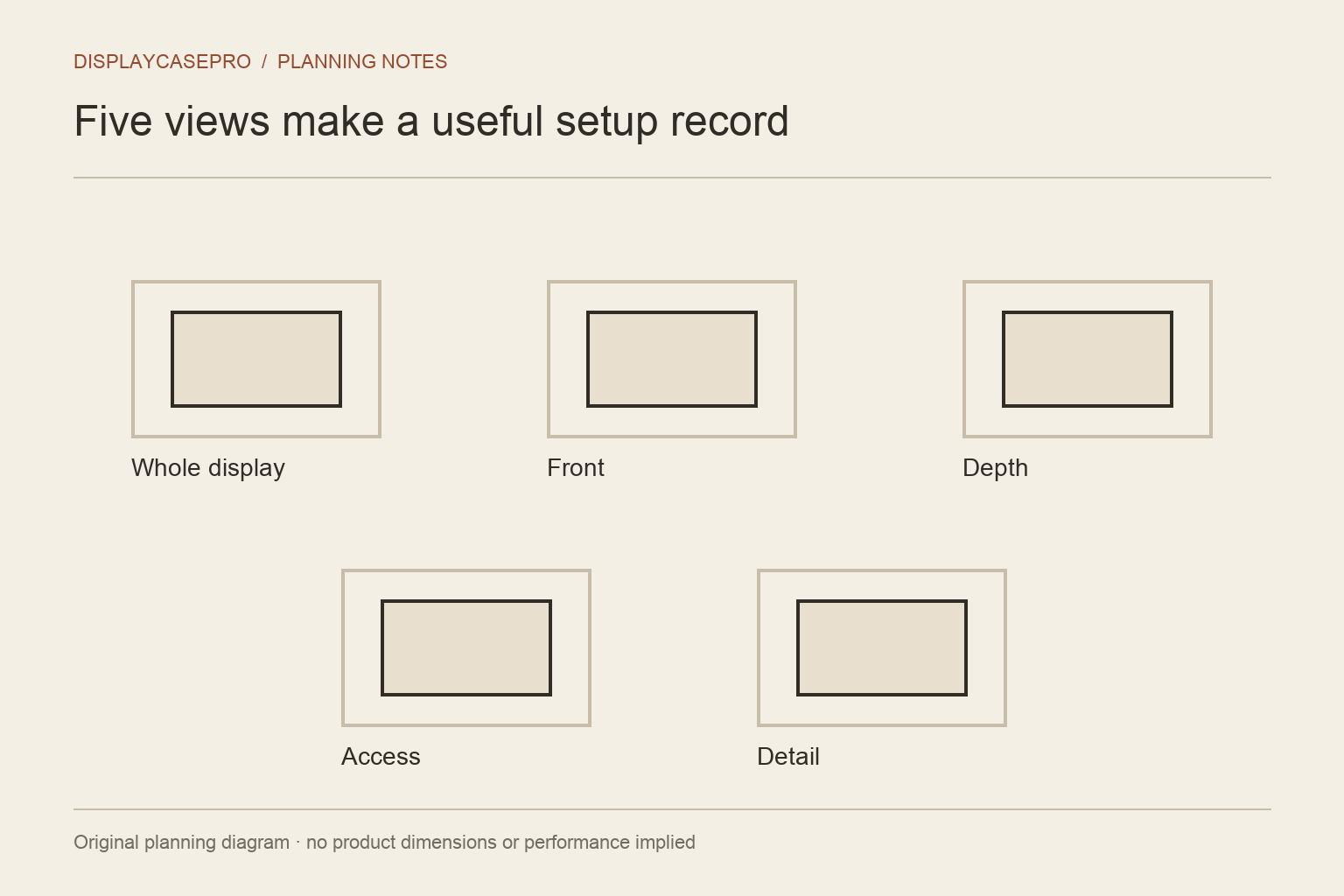
Prepare five useful views
You do not need five versions of the same front view. A compact photographic record can show different information:
- The whole display in the room. Show its relationship to furniture, doors and the surrounding space.
- A clear front view. Make the arrangement and the main objects easy to understand.
- A side or depth view. Show the depth used by stands, projecting parts or the enclosure.
- Access in use. Show an open door or removed cover where it can be demonstrated safely under the product's instructions.
- One important detail. Show a support, cable route, label or layout decision that explains how the setup works.
If a view would expose private information or require unsafe handling, leave it out and explain the relevant detail in words instead. The goal is a useful record, not a risky photograph.
Make the photographs easy to compare
Take the main views from positions that show the objects clearly. Review reflections in glazing and check whether the camera is reflecting private parts of the room. Keep hands and unrelated objects out of the frame when they do not add information.
If you show a before-and-after change, explain what changed between the images. A different camera angle, room light or crop can alter the impression. Keep the original photographs and avoid presenting a heavily edited image as evidence of a physical improvement.
Record measurements with their source
Write the measured dimensions and units for the arrangement and the space it uses. State whether a value came from your own measurement, the product maker or an estimate. Where relevant, identify the exact model, set number or display product.
Use the display measurement guide to distinguish object size, usable internal space and the outside footprint. If a dimension has not been established, say so. Do not calculate a precise shelf depth from an attractive room photograph and present it as measured.
Describe access and the compromises
Explain how you put the collection into the display, reach the back, clean around it or change the arrangement. Note anything that must move first. These details help another collector decide whether the idea suits their own routine.
Record the trade-offs as well as the finished appearance. Perhaps a larger model needed a separate case, or a symmetrical layout made the door awkward to open. If you would change something next time, explain why. A useful setup story does not need to claim the arrangement is perfect.
Keep observation separate from protection claims
You can describe what you observed without claiming to have measured every outcome. For example, explain your cleaning routine and the period you have used the display. Do not turn that observation into a guaranteed dust rating, UV protection claim or long-term preservation result.
If you quote a maker's specification, link to it and identify it as the maker's information. If you describe a modification, say what changed without implying it follows the original installation instructions.
Check image rights and personal details
Use photographs you took or have permission to publish. Credit other contributors as agreed. Remove or avoid identifying documents, address details and anything you do not want visible publicly.
Disclose relevant commercial relationships when describing products, including supplied samples or sponsorship. A reader should be able to distinguish a personal purchase, a source-based note and a commercial arrangement.
Turn the record into a useful story
Put the question, the room constraints, the display choice, the measured details and the remaining limitations in that order. Keep product names and identifiers accurate. Give image captions enough context to explain what the reader should notice.
When you are ready to share, use Collector setups to find the site's contribution entry. If your record focuses on a shelf, wall or cabinet in a tight room, compare it with the questions in the small-space display topic and explain which ones your setup answers.
Keep a record that another collector can understand
Pair each useful photograph with the information needed to interpret it. A clear image can show an arrangement without proving its dimensions, attachment strength or long-term performance.
| Record | Include with the photograph |
|---|---|
| Identity | Collection objects and exact display model where known |
| Arrangement | Pose, supports, accessories and the intended access route |
| Measurements | Units, reference points and whether each value is measured, specified or estimated |
| Image history | Photographer, permission and any relevant edits |
| Experience | What you personally observed, over what period, and what remains unknown |
You can begin with the downloadable measurement record and return to the same viewpoints after changing the layout. DisplayCasePro’s small-space topic offers reading paths for planning constraints; its illustrations should not be presented as your own room or a tested setup.
Comments
Share a display tip or ask a question.