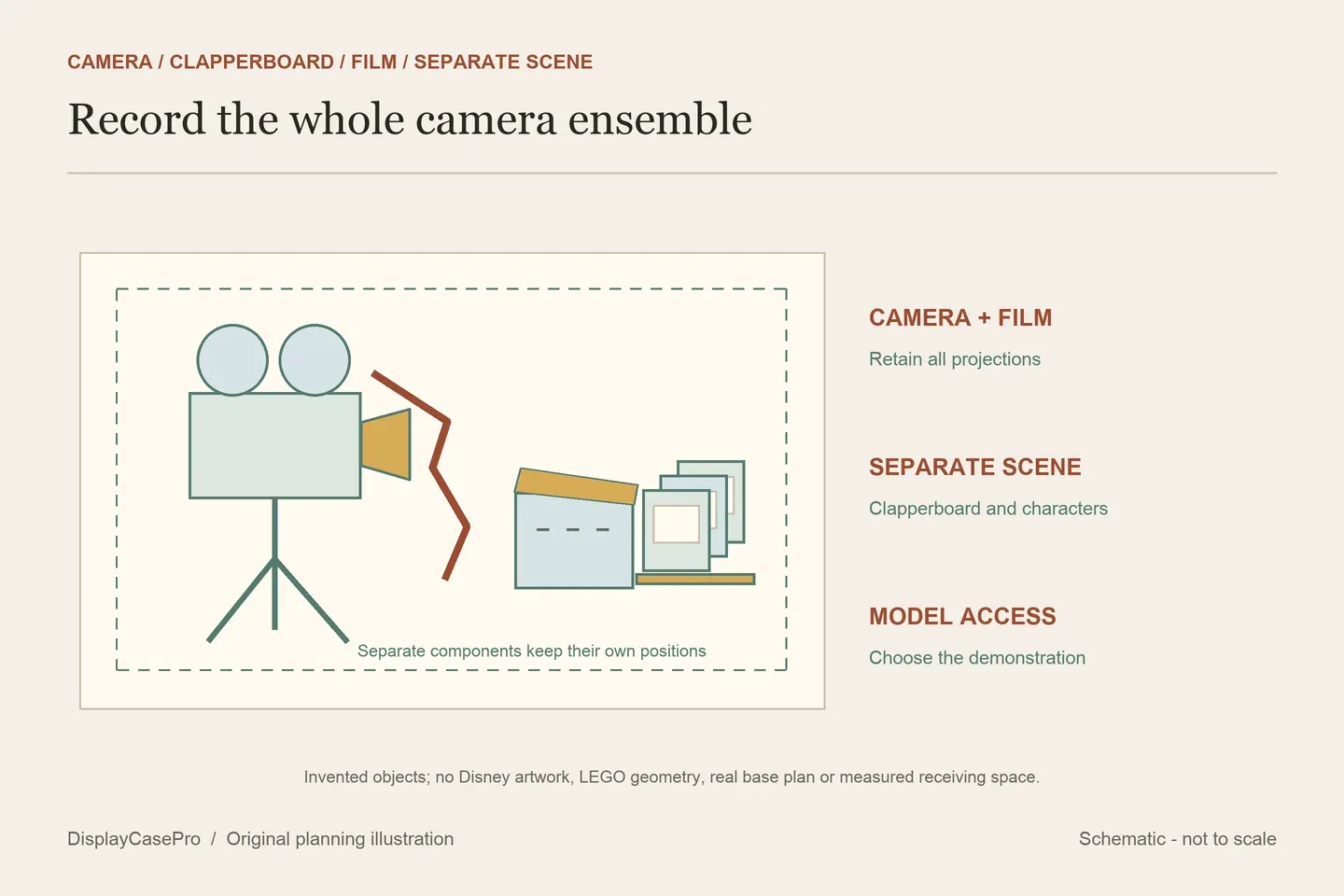
Choose a LEGO Walt Disney Tribute Camera display case for the complete 43230 arrangement: the tall camera and film strip, the director’s clapperboard, its characters and the small multiplane camera. Then decide which camera features you want to demonstrate. A case’s removable movie artwork is a separate component from the film and printed screens supplied with the LEGO set.
The camera’s reference size does not describe the whole group
LEGO’s official 43230 description identifies a vintage-style camera with a hinged rear panel, sliding matte box, revolving lenses and turning crank. It gives the movie camera a descriptive reference of over H37 × W21 × D19 cm. That is a camera reference, not a measurement of every arrangement with the separate items.
The set also has a director’s clapperboard with a movable lower stick, three minifigures—Walt Disney, Mickey Mouse and Minnie Mouse—and two animal figures, Bambi and Dumbo. A separate multiplane camera contains three printed screens from The Old Mill. Keep these components named in the receiving brief; five characters does not mean five minifigures.
Choose where the separate display sits relative to the tall camera. Record the film strip’s actual position and any projection beyond the tripod or camera body. A model reference alone cannot establish the total scene width, the highest altered part or room for moving the crank.
The required product pages and categories provide different evidence
These original sources were read on 19 October 2026. Flying Box and FantasMall appeared as Disney collections; their actual linked 43230 product pages were read separately. Category filters and unrelated product cards do not specify this case’s cavity. All figures below are supplier descriptions, not DisplayCasePro measurements or fit tests.
| Source and exact format | Published information | Question to resolve |
|---|---|---|
| Brickcessories | Assembled 260 × 260 × 390 mm. | Axes, inside/outside boundary and complete group placement. |
| Wicked Brick Limited Edition | Three removable film-cell background layers and a located base; no numeric case tuple in the read main. | This edition’s cavity, whole exterior and background-handling routine. |
| iDisplayit | Inside L32 × W21 × H39 cm; outside L34 × W23 × H40 cm. | The actual camera, film and separate scene within the labelled cavity. |
| Flying Box Disney collection | Linked leaf: case L12 × W9 × H15.5 in; base 12.5 × 9.5 in. | Case boundary and full exterior, including the larger base. |
| FantasMall Disney collection | Linked leaf: 30 × 20 × 40 cm; its FAQ calls labelled sizes internal. | Axis order, exact product identity and selected base material. |
The observed Flying Box product separates case and base dimensions but does not label the case tuple internal or external. Keep the larger base in the furniture check. Sheet thickness is not a basis for calculating an invented clear interior.
The observed FantasMall leaf names 43230 in its main heading and compatibility copy, while its URL and another product label use 42320. Its wood-base upgrade text also differs from the Acrylic/PVC materials line. Request the exact 43230 item and current base specification before relying on that record. Keep its 12 × 8 × 16 inch line separate from the metric line rather than treating them as exact conversions.
The set’s film strip, printed screens and case artwork are separate
| Component | Where it belongs | Display decision |
|---|---|---|
| LEGO film strip | The camera ensemble; it shows 20 historic movie stills. | Record its actual displayed outline and visible side. |
| Three printed Old Mill screens | The separate LEGO multiplane camera. | Keep that small display’s position and view in the group. |
| Limited Edition film-cell layers | Wicked Brick’s enclosure background. | Confirm removal and reinstallation for this exact edition. |
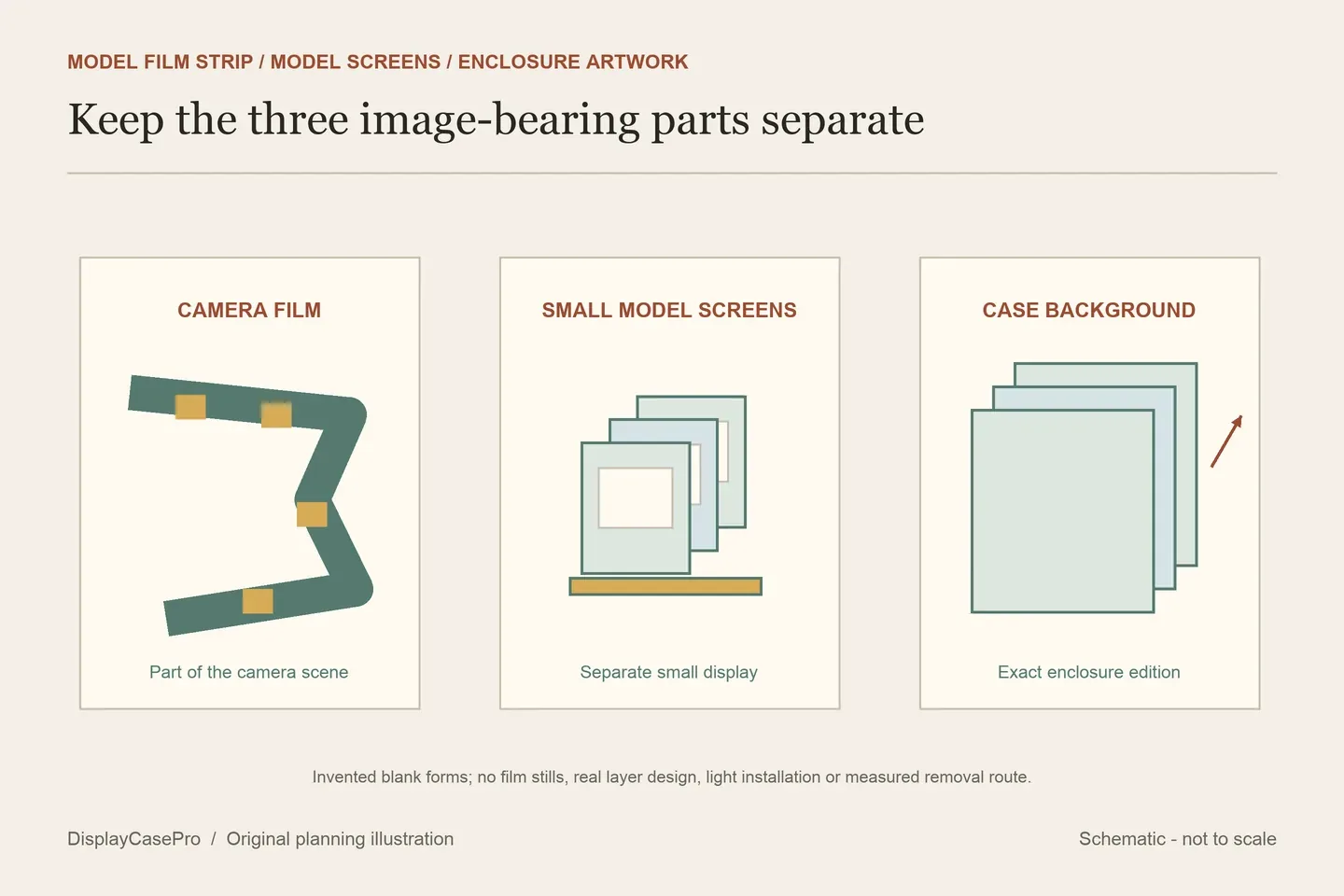
Wicked Brick describes removing three background layers and reattaching the rear top plate after reinserting them. It also describes their changing appearance when held against a light source. This is a feature of the case artwork, not evidence that the LEGO camera projects its film or that the assembled display includes lighting. Do not transfer the Limited Edition arrangement to the standard camera case.
Place the clapperboard before comparing the apparent spare floor
A located base may assign positions to the camera and separate characters. Ask for that layout rather than assuming the whole outer rectangle is freely available. Include the clapperboard’s chosen lower-stick position and the small multiplane display without hiding a character behind the camera’s tripod.
Compare the view from the eventual shelf height. A printed rear can support a front-facing composition, while a clear rear allows a different view through the ensemble. Decide whether viewing the camera’s back matters before committing to the background and base together.
Separate camera demonstrations from ordinary case opening
For a fixed presentation, record the settled camera and separate scene. For demonstrations, name the intended task: opening the model’s rear, sliding the matte box, turning a lens or using the crank. A stationary receiving cavity does not establish hand access or travel for those movements.
iDisplayit describes twelve fittings, a lid that slots on top and a clear surround resting on the base. It also advises against relocating the case with LEGO inside. Confirm the actual opening sequence and reserve somewhere for removed parts before approaching the tall camera; a liftable surround is not a transport enclosure.
Keep the edition, dimensions and complete scene together
Use the 43230 camera, film and clapperboard worksheet. Save the supplier’s exact item, base and rear selection, the labelled cavity, whole exterior and intended access routine with the scene outline.
The collection measurement guide covers the complete group; the LEGO shelf-case guide covers the confirmed enclosure at its final location. Real camera storage and Polaroid model accessories have different receiving tasks and do not supply missing 43230 dimensions.
Comments
Share a display tip or ask a question.