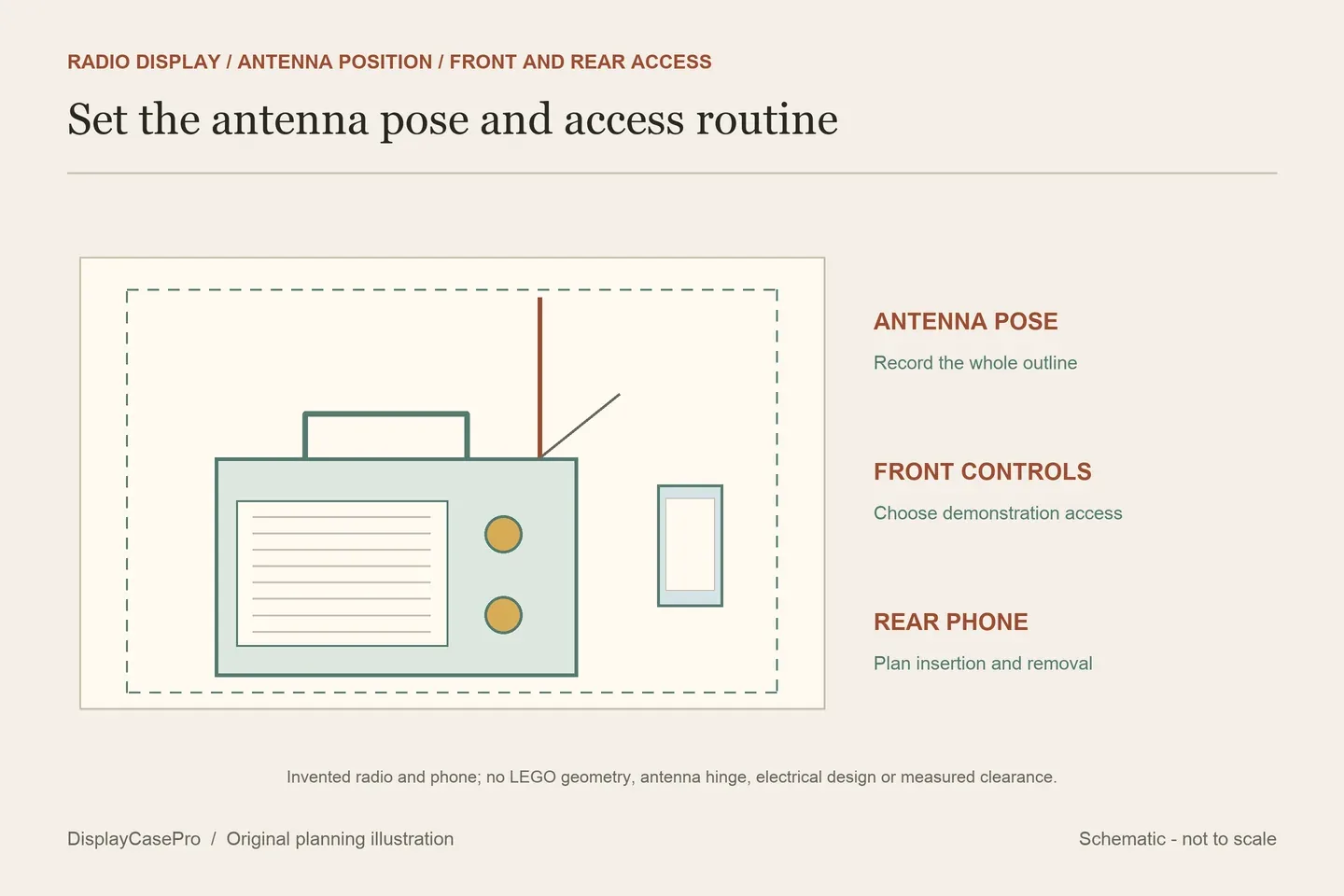
Choose a LEGO Retro Radio display case around the antenna position and the way you will use set 10334. A fixed display, a dial demonstration and putting a phone into the rear compartment are three different tasks. Compare the chosen arrangement with the actual cavity, then check how the enclosure opens.
The sound brick and phone holder are different features
LEGO’s official 10334 description identifies a non-working radio replica with a sound brick, power and tuning dials, a sliding frequency switch, a carrying handle and an antenna. Turning the dials produces tuning sounds and music snippets. The rear panel can be removed to mount a smartphone; LEGO expressly says there is no speaker function.
Keep those features separate when choosing access. Hearing the model’s sound brick does not mean it receives broadcasts. Putting a phone in its holder does not make the LEGO build an external loudspeaker. A clear case also does not give your hand access to a dial through its front.
For occasional demonstrations, an enclosure that opens conveniently may be enough. If you want controls reachable while the rest remains enclosed, request the exact opening and intended model position. None of the five case descriptions read establishes a dedicated dial-access aperture comparable to a specifically designed operating flap.
A vertical-antenna reference is not a folded-display height
The official descriptive reference is over H32 × W23 × D7 cm with the antenna vertical. That condition matters: it is not a maximum for every antenna angle, a body-only height or a measurement of the hand space needed above the controls.
Choose the actual antenna and handle positions before recording the outline. Keep the furthest point of each projection, including any antenna extension toward a side or rear panel. Changing a tall vertical profile to an angled one can change more than its height. Follow the model instructions when positioning it rather than forcing an element against the enclosure.
| Routine | Record first | Access to confirm |
|---|---|---|
| Fixed viewing | Antenna, handle and full model in the chosen resting position. | Initial placement and later retrieval without disturbing the outline. |
| Sound-brick demonstration | The intended dial movement and approach to the front. | Which enclosure part must open before a hand reaches the control. |
| Phone in the rear holder | The actual phone and the model’s rear-panel routine. | Phone insertion, removal and where the removed parts rest. |
Keep internal heights separate from product-size lines
These descriptions were read on 19 October 2026. The figures are the suppliers’ published information, without physical fit or enclosure-performance testing by DisplayCasePro. The original inside/outside definitions and approximate labels remain attached to each product.
| Exact source | Published size | Decision still to resolve |
|---|---|---|
| iDisplayit | Inside L26 × W10 × H30 cm; outside L28 × W12 × H31 cm. | The selected antenna position and normal opening. |
| Kingdom Brick Supply | Approximate inside L29.6 × W10.4 × H29.6 cm; outside L31.1 × W11.9 × H30.2 cm. | The exact pose and the rear-phone access routine. |
| Brick In It | W28 × D11 × H34 cm. | Inside/outside boundary and clear height above the supported radio. |
| Laser Frame | L276 × D106 × H244 mm. | Unlabelled inside/outside boundary, intended antenna pose and receiving drawing. |
| Icuanuty | No model-specific numeric cavity in the main description read. | Exact 10334 dimensions and instructions beyond the generic FAQ. |
The two labelled internal heights are below the official over-32 cm vertical-antenna reference. Keep that discrepancy visible rather than describing them as confirmed vertical-antenna solutions. Ask the supplier which actual pose its receiving layout is intended to accommodate.
Conversely, Brick In It’s 34 cm product height is not identified as a clear cavity. It cannot settle the same question by itself. Laser Frame’s 244 mm line likewise needs an explanation tied to the exact model arrangement; a set number in the title does not resolve the dimensional boundary or the antenna position.
Removing the rear panel needs its own working route
Decide whether the phone will usually remain outside the display or sit in the model’s rear holder. Record the actual device and the intended placement. A case intended for the unmodified radio does not automatically confirm clearance for a particular phone, its buttons or any separately added charging lead.
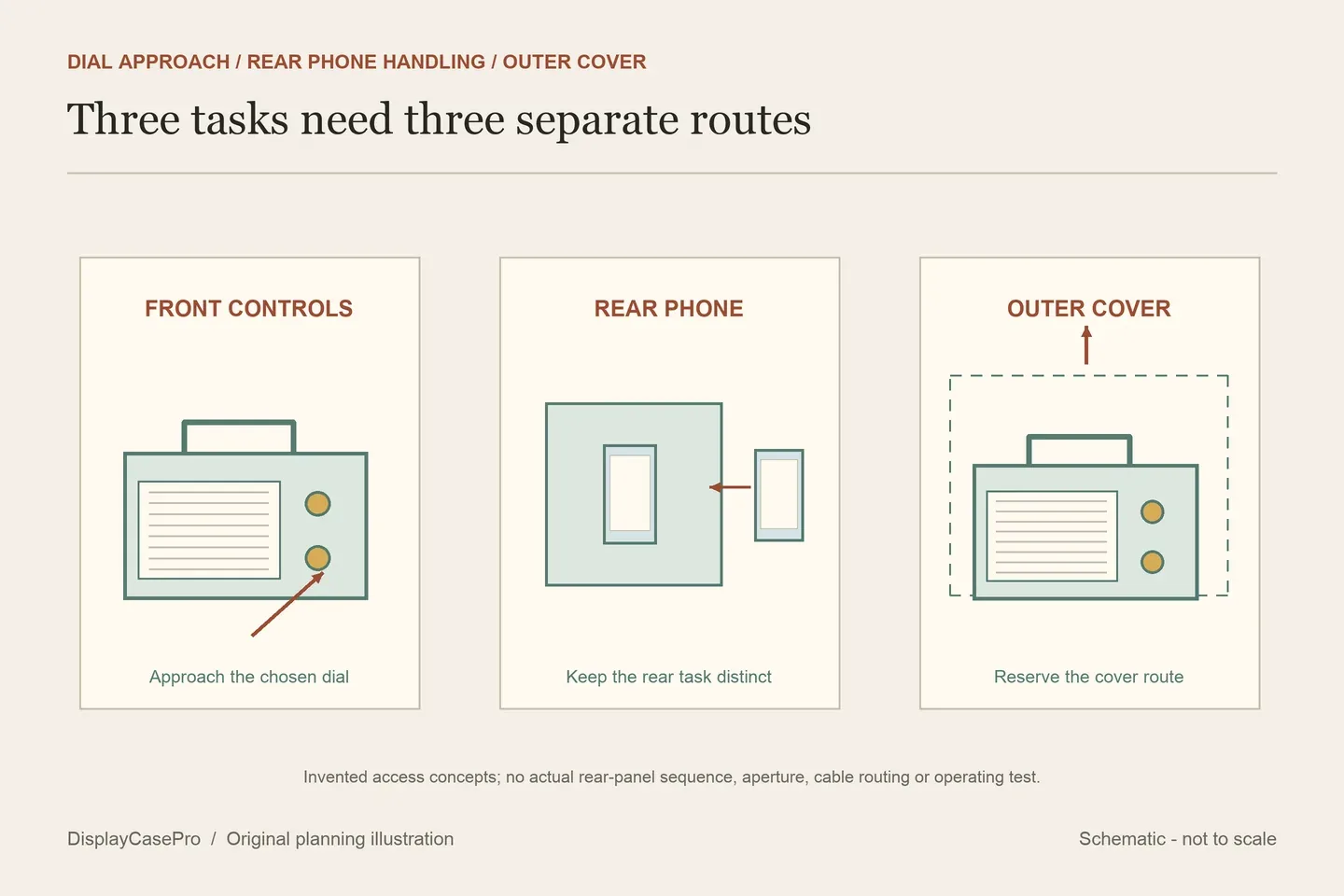
Use the model’s instructions to identify how the rear panel comes away and how the phone enters its holder. Then decide whether that task happens after removing the cover, after retrieving the model, or through an opening expressly designed for it. Do not assume that a clear or printed rear panel is an opening.
A lift-off design answers the cover question, not every model task
Laser Frame expressly describes a lift-off design. Reserve a route for that cover and a stable place to put it while accessing the radio. Include the selected antenna and handle outline in the movement check, especially beneath another shelf.
For the other cases, obtain their own ordinary opening instructions. A screw count, one-piece base or no-glue assembly statement does not specify which panel is intended to be removed repeatedly. Icuanuty’s generic wall and stacking FAQ should not be treated as a 10334 mounting or loading instruction.
Save the pose and access routine with the case choice
Keep a reference photograph of the finished antenna and handle positions, together with the actual complete outline and selected base and rear option. A future phone change or different antenna angle should trigger another check of that record.
The 10334 antenna, controls and phone worksheet keeps the three access tasks separate. Use the LEGO shelf case guide for the complete enclosure’s location and the collection measurement guide for recording the chosen display outline.
Comments
Share a display tip or ask a question.