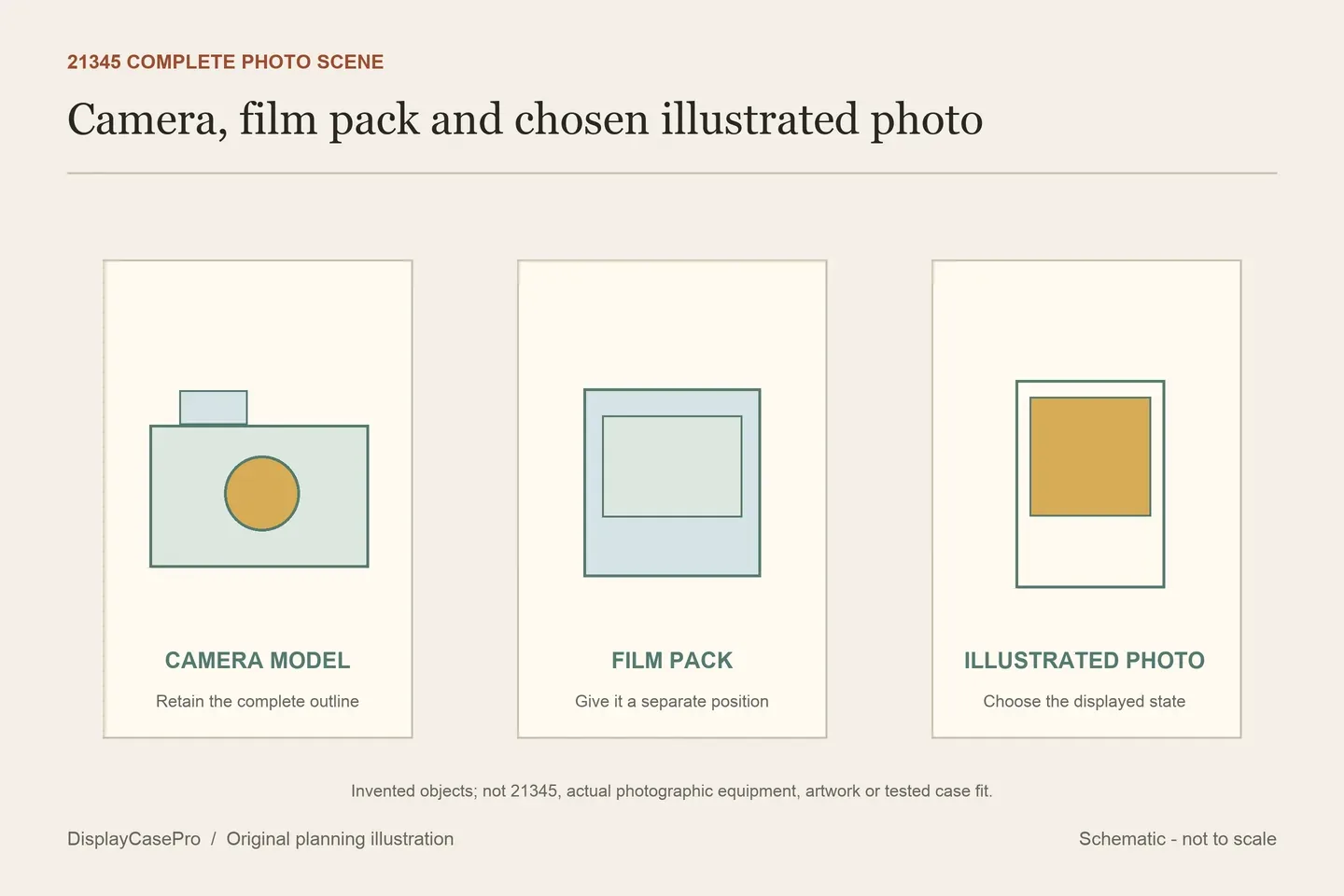
A display case for the LEGO Polaroid OneStep SX-70 camera 21345 needs a plan for the film pack and illustrated photos as well as the camera-shaped build. A photo loaded in the model, one shown outside it and a collection of spare photos create different occupied outlines.
Choose the settled arrangement first. Then decide where you want to demonstrate the red shutter button and retrieve the ejected photo. A clear cover that receives a completed scene does not by itself provide that operating space.
Start with the actual retail model and its functions
LEGO's official retail 21345 description identifies the exposure-compensation dial, a buildable film pack and three illustrated photos. Loading a photo and pressing the red shutter button ejects it. The camera model reference is over H9 × W9 × D15 cm.
That reference describes the camera-shaped build. It is not the full outline of the camera, separate film pack, displayed photo and any other retained items. Keep the additional components named rather than expecting a set-number label to define their positions.
Use the retail set number when requesting fit information. A fan proposal, an original working Polaroid camera and the released LEGO model can have different construction and operation. This guide compares cases for the released brick-built model; no actual photographic equipment is being stored or serviced.
Choose which photo is visible and where the pack belongs
Make a small top-view plan with the camera and film pack as separate objects. Add the photo you want visible and identify whether it remains loaded, rests in the pack or is presented independently. Include the full retained photo profile in the intended view.
Decide what should be readable from the normal viewing position. Placing the pack directly in front can hide a lower part of the camera; putting it behind can make its illustrated face difficult to see. Check the chosen arrangement from the front and side before asking the case maker to confirm it.
If you add a photo support, identify the actual support and its contact arrangement. Its height and footprint belong in the scene. The presence of a photo in a listing does not establish that a stand, clip or mounting accessory is included.
A labelled cavity and an unclassified size line are different evidence
These supplier descriptions were read in October 2026. The figures are published specifications, not our measurements or demonstrations of photo ejection inside a case.
| Exact case | Published figures | Question to retain |
|---|---|---|
| Wicked Brick 21345 | W28 × D21 × H13.3 cm; inside/outside is unlabelled. | Lift-off surround, information plaque and optional printed rear. Confirm the full accessory arrangement. |
| iDisplayit 21345 | Inside L26 × W26 × H13 cm; outside L28 × W28 × H14 cm. | Eight fittings, black or white base and a lid placed on top. Confirm routine access to the scene. |
| Laser Frame, product title 21345 | 361L × 191W × 205H. | Units and inside/outside are not identified in the description read. Request both before comparing the tuple. |
| Kingdom Brick Supply 21345 | Approximate inside L26.4 × W26.4 × H13.6 cm; outside L27.9 × W27.9 × H14.2 cm. | 32 × 32-stud area and eight screws are separately listed. Confirm the camera, pack and chosen photo layout. |
Laser Frame's address ends in 21315, while its actual title and description identify the Polaroid 21345 case. Keep that discrepancy in the enquiry; do not rewrite the observed address or treat its last number as a different product specification.
The missing unit on 361L × 191W × 205H is another unresolved field. Do not guess millimetres or use the stated 5 mm base and 3 mm panels to invent a clear interior. Request a labelled inside and outside drawing for the selected product.
Even where an interior is labelled, preserve its axes and the actual arrangement. A square case floor does not establish how the film pack and photo are meant to sit beside a camera with a longer depth than width.
A fixed photo display and a shutter demonstration use different space
Record the normal displayed photo state separately from the demonstration. Identify where a photo is loaded, the shutter button is reached and the emerging photo is retrieved, following the model instructions. This guide supplies no substitute loading sequence or measured travel distance.
If you intend to use the shutter while the model remains inside, obtain confirmation of that whole task for the exact case. Spare-looking space in front does not establish access to the button or a clear retrieval route. Decide whether the surround or lid should be removed before the demonstration.
Keep the dial access separate too. Reaching a front or top control does not demonstrate a suitable approach to every other feature. A case chosen for occasional display changes may need a different routine from one where the model is demonstrated often.
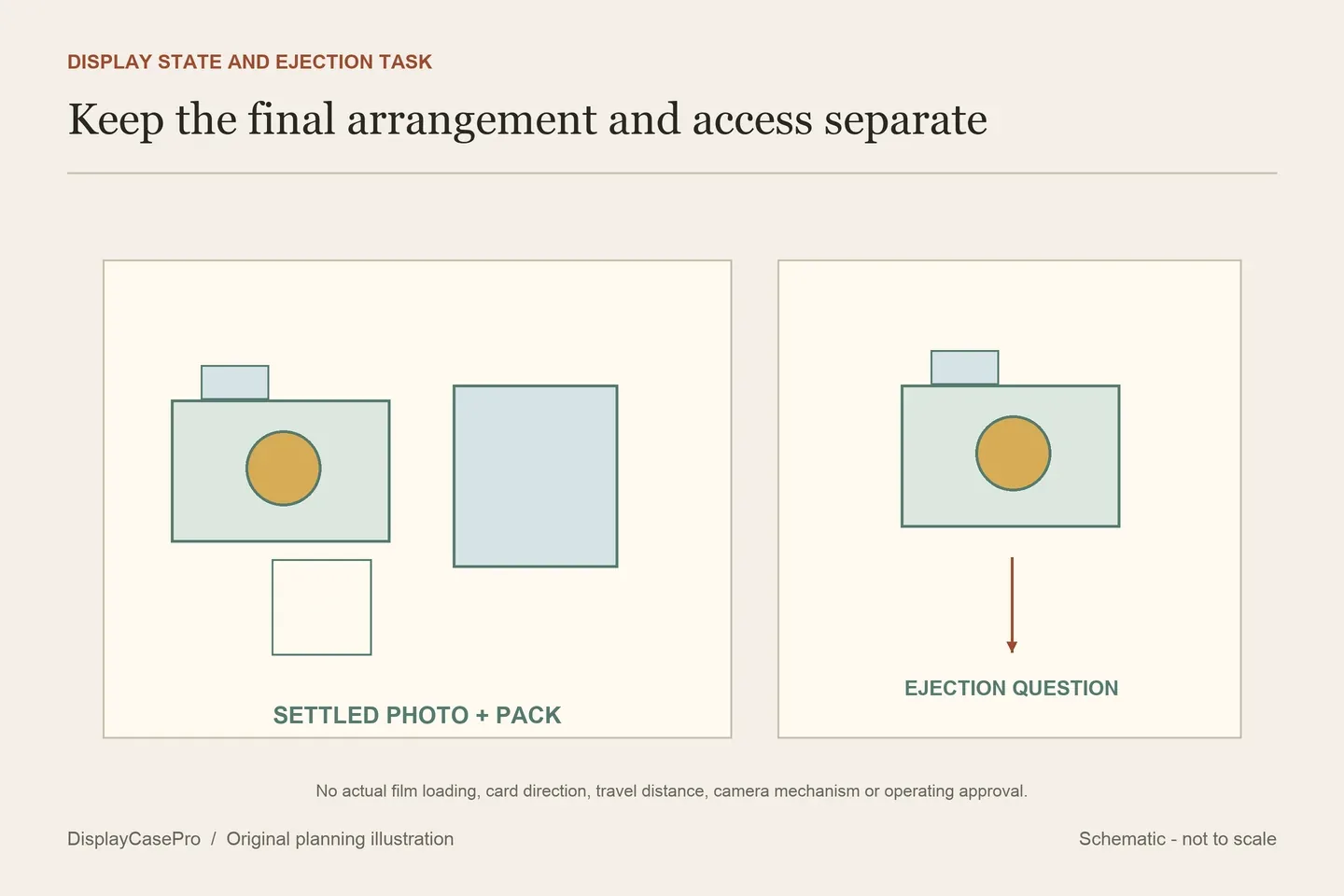
Keep the lid and surround instructions with the exact product
Wicked Brick describes lifting the clear surround from the base and returning it to grooves. Reserve the path past the displayed photo or support, as well as a resting place for the removed part. Its optional printed rear and information plaque also belong in the final scene record.
iDisplayit describes screwing the surrounding panels together with eight fittings and then placing the lid on top. Confirm the intended routine before repeatedly opening another joint. The listing's 32 × 32-stud area is a base-format statement, not an aperture or an ejection allowance.
The same listing advises against relocating the case with contents inside. Retain that limitation for this product. A stacking suggestion elsewhere in its description does not supply a general load rating, approval for arbitrary cases above it or a guarantee that the lower model remains easy to access.
Use the Polaroid photo, film-pack and access worksheet to retain the actual scene and unresolved size definitions. The collection measurement guide covers the complete supported outline; the LEGO shelf case guide covers the confirmed enclosure's placement.
Common questions
Does the official camera size include the separate film pack?
The cited size line describes the camera model. Record the pack, chosen photos and any support as part of your actual combined display.
Can the model eject a photo inside every named 21345 case?
Receiving the settled scene does not establish that task. Confirm button access, photo travel and retrieval for the chosen enclosure.
Are the photos real instant-camera film?
LEGO describes illustrated photos supplied for the brick-built model. Keep them distinct from working-camera film or photographic equipment.
Comments
Share a display tip or ask a question.