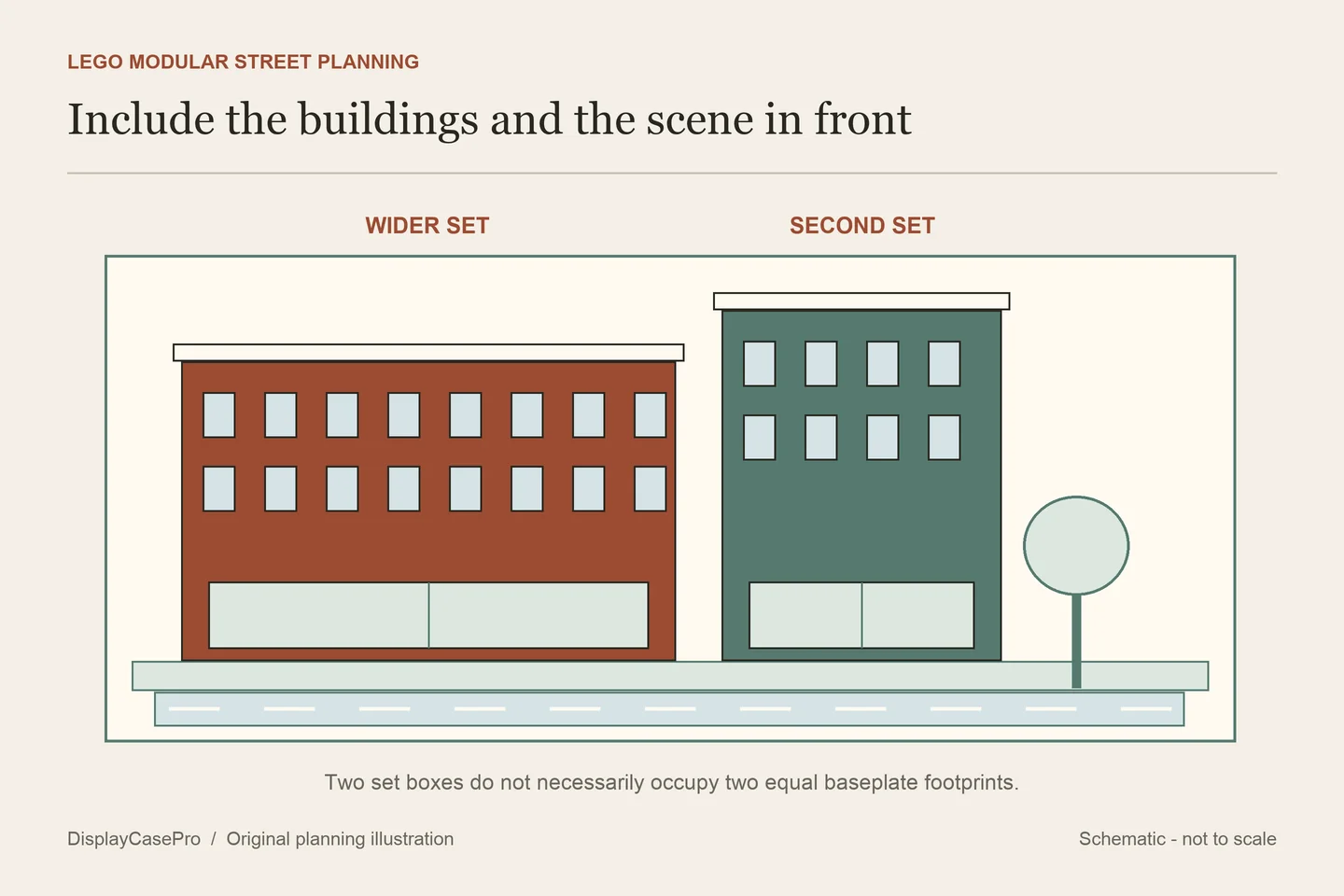
Choose a LEGO modular building display case around the street you want to show, rather than the number of set boxes you own. One set can occupy more than one baseplate, a tree or vehicle can project into the front, and a roof or sign can determine the height of the whole group.
A label such as “2x,” “2.5x” or “XL” is a starting point for the maker’s product range. It is not a universal promise about how many of your buildings, roads and accessories fit. Compare the exact completed arrangement with the selected case’s usable dimensions and intended access method.
Decide whether the buildings form one scene
LEGO’s beginner guide to Modular Sets explains their interconnection and distinguishes standalone displays from a joined street. It also identifies Assembly Square 10255 as a set spanning more than one baseplate and recommends measuring the individual builds when planning a display.
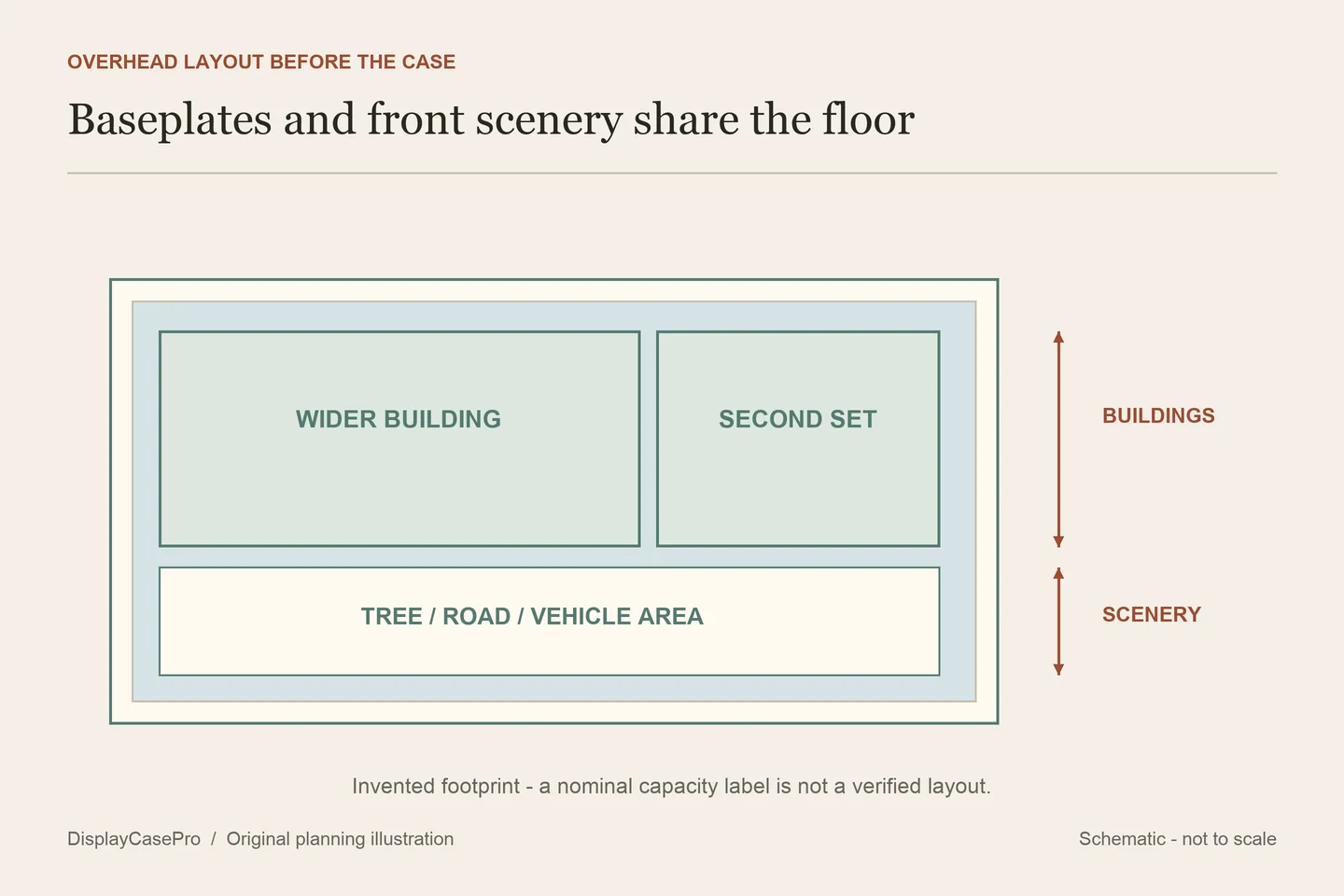
Start with a simple overhead layout. Mark the actual baseplate edges of each completed set, the order of the buildings and anything you want in front or beside them. A corner arrangement, straight street and separate row of individual enclosures have different footprints.
Separate scenery you want inside the case from scenery that will remain outside. If the front road, vehicle or tree belongs to the enclosed scene, it must be included in the depth check. If a vehicle is displayed separately, keep that choice explicit so it does not quietly reappear in the case after ordering.
Choose the view as well as the outline. A shared enclosure lets a connected scene read as one street, while individual cases can make it easier to rearrange separate buildings. Separate case walls and bases also change the appearance of a continuous street. Decide which presentation matters before treating more case capacity as the only goal.
“2.5x” does not mean two and a half separate sets
The iDisplayit Modular Buildings category distinguishes individual sets, multi-building cases and XL versions. Its exact 2.5x H36 listing describes Assembly Square alongside one other modular building. That is an example involving two named sets, despite the 2.5x label.
The practical question is how much area those sets occupy together. A fractional product label can describe a footprint convention within a range; it should not replace the actual layout. Ask the supplier which building combinations and projections its capacity statement covers.
The Kingdom Brick Supply modular category also presents grouped sizes with different height options. Read the exact product specification rather than converting a rounded title such as “14 inch” into a precise usable height. The full dimension line and its definition are the useful fields.
Three configurations show why labels need checking
These pages were read in October 2026. Dimensions retain each maker’s L/W/H labels. Published stud-area statements are shown separately, including a disagreement that needs a current supplier drawing.
| Exact configuration | Published inside and outside | Stated footprint or purpose |
|---|---|---|
| iDisplayit 2.5x H36 | Inside L65 × W26 × H36 cm; outside L67 × W28 × H37 cm. | Assembly Square plus another building; a separate line says space for 65 × 32 studs. |
| Kingdom Brick Supply 2.5x, 14 inch | Approximate inside L64.8 × W26.4 × H36 cm; outside L66.3 × W27.9 × H36.9 cm. | Published stud area 80 × 32; compatibility described as most modulars under 36 cm. |
| iDisplayit 2x XL H36 | Inside L52 × W32 × H36 cm; outside L54 × W34 × H37 cm. | Published stud area 65 × 40; description discusses the Bookshop’s front tree or a scene in front. |
The two 2.5x products publish broadly similar centimeter dimensions but different stud-area lines: 65 × 32 and 80 × 32. Keep both statements attached to their sources. Do not silently correct one, assume the two cases are identical, or use a conversion to claim you have verified the physical base.
Send the supplier your set combination and ask for a labeled usable footprint. The reply should resolve the stud line, the clear internal dimensions and any base edge or fitting that limits placement. A stock image of two buildings cannot settle those details for your street.
The XL example answers another question. Its product description specifically discusses space for the Bookshop’s tree or a front scene. That is a configuration to inspect, not permission to add any road or vehicle. The page uses both width and depth language in different sections, so the table preserves its named axes rather than guessing a new orientation.
Plan how you will reach the buildings after closing the case
If you regularly remove roofs or floors, decide where that task will happen. There is a difference between enough height for a completed model and enough access to work on it inside the case. Do not infer a working gap from a case title ending in H36 or H43.
For the iDisplayit examples above, the maker describes a clear surround with its top attached, located over the models on the base. Check the route for removing that surround and somewhere appropriate to put it down. A shelf directly above a long street case may prevent the intended access even when the closed dimensions fit.
Also decide whether the buildings will remain connected during ordinary changes. Removing one member of a street may require space to reach its connections and support the intended sections. Follow the actual set and case instructions; a larger cover is not evidence that the entire connected scene can be carried as one unit.
Both exact case makers warn against relocating these products with the LEGO sets inside. Keep that instruction with the layout record. Assembly and scene rearrangement should not depend on treating a display enclosure as a loaded transport box.
Give future additions an explicit boundary
If expansion is important, reserve a defined area in the plan and identify what it is intended to hold. “Room for another modular” is too vague when that future building’s width, height and scenery are unknown. An empty bay can be useful without being a promise that an unannounced set will fit.
Consider whether the collection is better divided into separate street scenes. A single long case can preserve one composition but makes the whole surround part of every access task. Smaller groups can keep one scene undisturbed while another changes, with additional case walls and bases to include in the overall furniture plan.
Do not assume that grouped cases are stackable or suitable for a particular furniture load merely because they appear together in a category. Confirm the complete case-and-model arrangement against the applicable product and furniture documentation.
Record a street, not only a building count
Use the modular street and case worksheet to record set IDs, layout order, actual baseplate profiles, front scenery, highest features and access. Keep the nominal case label and published stud-area line in separate fields.
A useful enquiry is: “I want these sets in this order, with this tree/road/vehicle inside the enclosure. Please confirm the clear L/W/H, usable base footprint and complete outside dimensions for the selected case. Which stud-area statement applies, and how is the surround removed for roof or floor access?” Attach your overhead outline and side view.
Our LEGO shelf display case guide covers the general measurement and furniture checks. For a modular street, the additional work is resolving joined footprints, scenery and the difference between a capacity label and your actual set combination.
Will any two modular buildings fit a 2x case?
No universal fit follows from the label. Compare the specific pair, complete projections and height with the exact usable enclosure. A wider set or added front scene can change the task even when the set count remains two.
Is the stud-area line more reliable than the centimeter dimensions?
Neither should be chosen to override an unresolved conflict. Ask the maker for one consistent drawing covering the selected product and arrangement, with units and the measurement boundary identified.
Comments
Share a display tip or ask a question.