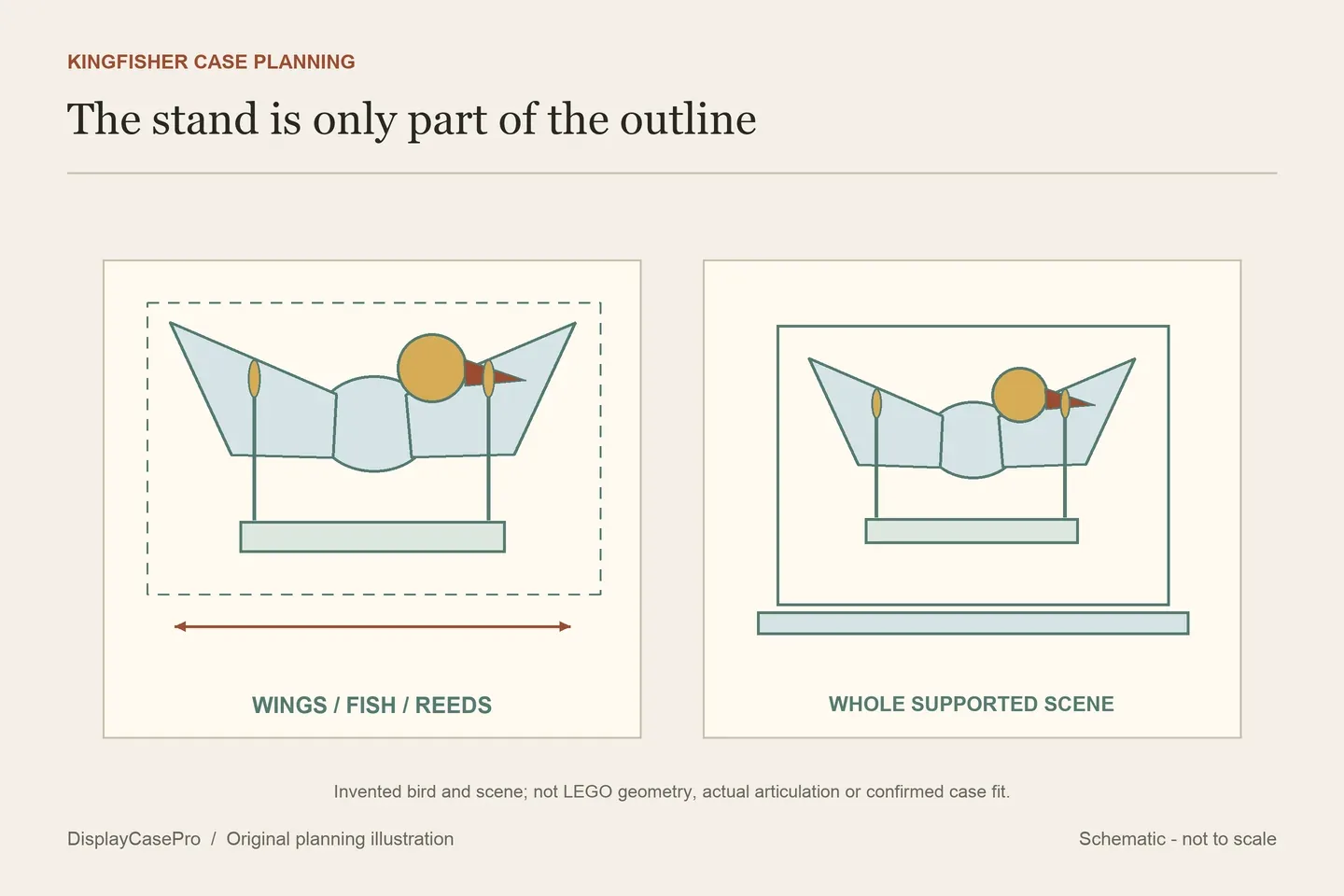
Choose a LEGO Kingfisher display case for the complete 10331 bird and water scene. The spread wings, reeds and fish need a low, wide receiving outline, while the chosen head and claw pose belongs in the same record. Compare the real case floor and opening rather than the set number alone.
Keep the bird and its water stand together
LEGO’s official Kingfisher Bird description identifies the fish catch, buildable reeds and water setting that doubles as the display stand. It also identifies a posable head and claws. The model reference is over H21 × W31 × D17 cm.
Record the finished scene as one supported assembly. Include the highest reed, wing tips, head, fish and rear projections, even when some are less obvious in the chosen front photograph. A base footprint alone does not describe the spread of the bird above it.
Choose the pose using the model's own instructions before asking for case confirmation. The published reference is not a measured envelope for every permitted head or claw position. Do not use the panel to force a projecting part inward or modify the scene merely to agree with a catalogue rectangle.
Match the model's width to the actual intended orientation
A supplier may call the long floor direction length, while LEGO calls the model's broad direction width. Attach a front and side reference to the enquiry so the maker can identify which case axis receives the wing span. Do not silently swap axes in a table to make a fit appear established.
| Part | Include in the record | Question for the case |
|---|---|---|
| Broad upper scene | Wing tips, head, fish and chosen permitted pose. | The actual receiving outline at those heights. |
| Water and reeds | Whole original stand and every retained reed. | Usable floor and the highest scenery point. |
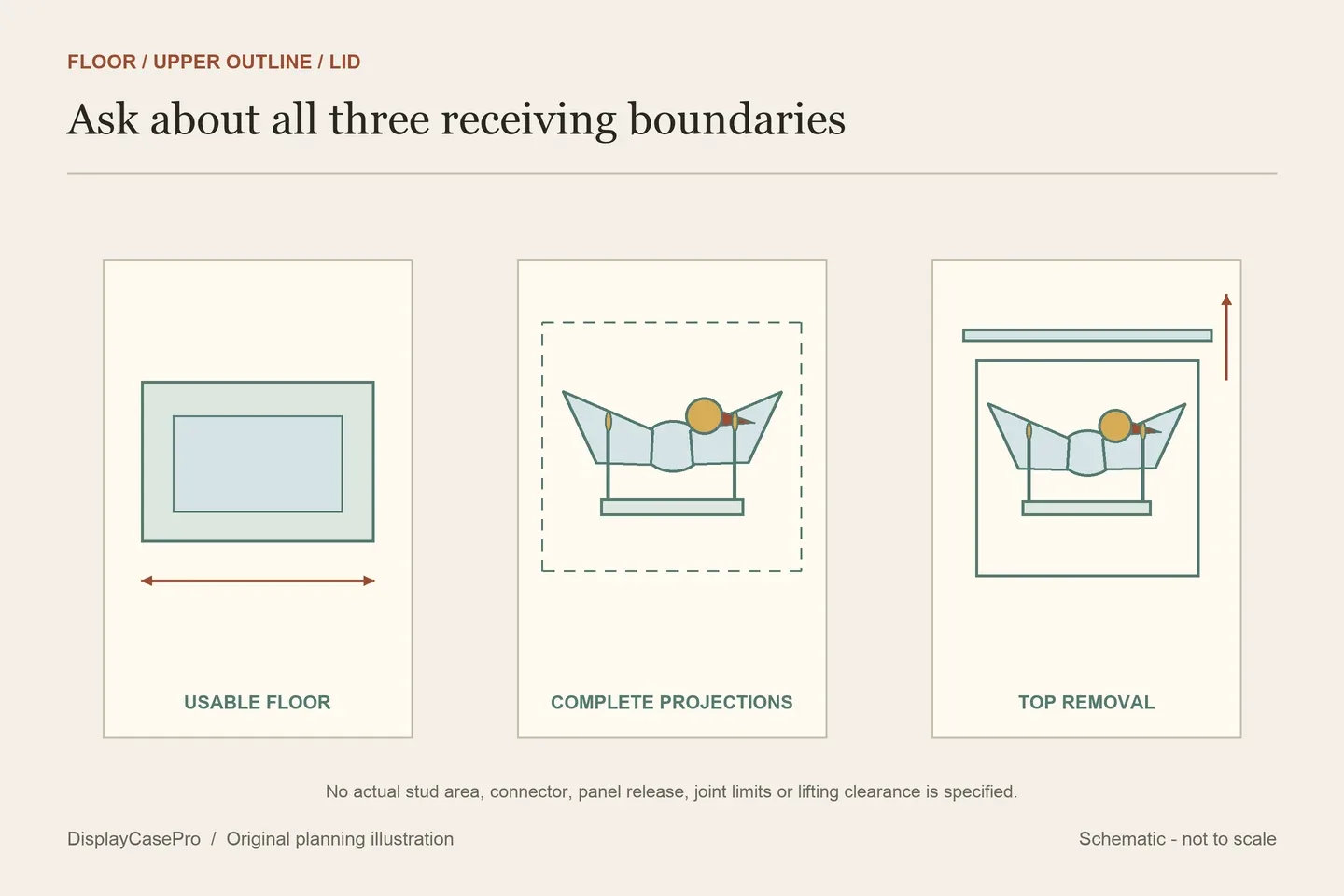
| Opening route | The scene remains in its settled supported position. | Whether the top or surround clears every projection. |
iDisplayit lists an inside L32 × W21 cm floor, while Kingdom Brick Supply lists approximately L36.0 × W20.0 cm. One is longer and narrower. Neither comparison alone checks the complete bird, all fittings or the intended viewing angle.
Compare labelled cavities with unclassified dimensions
These five product descriptions were read on 18 October 2026. Supplier dimensions are retained with their original boundary labels. This is a researched comparison, not physical fit or performance testing.
| Source | Published figures | Keep unresolved |
|---|---|---|
| Kingdom Brick Supply | Approximate inside L36.0 × W20.0 × H23.2 cm; outside L37.5 × W21.5 × H23.8 cm. | Chosen complete pose and actual opening. |
| iDisplayit | Inside L32 × W21 × H24 cm; outside L34 × W23 × H25 cm. | Actual model outline and removable-top route. |
| Brick In It | W34 × D23 × H24 cm; boundary unlabelled. | Usable inside above its selected base. |
| Laser-Frame | Named 10331 acrylic case; no numeric dimensions in the main description read. | Axis-labelled cavity, whole exterior and closure. |
| DISPLaGO DC10331 | Inside L320 × W210 × H240 mm; outside described as +8 mm on each side. | Complete labelled outside drawing and exact assembly. |
Brick In It's numbers resemble parts of iDisplayit's exterior and interior rows, but they do not share a stated boundary. Do not join those rows into a new specification. Its 10331 description identifies 3 mm clear acrylic, a 5 mm gloss base and metal corner cubes; none supplies a complete cavity drawing.
Laser-Frame’s short description names the model and clear acrylic presentation. The absence of numeric sizes remains material to a shortlist. A product photograph and a “dustproof” title do not fill those missing fields or establish independent protection performance.
Keep outside dimensions, stud references and connectors distinct
DISPLaGO supplies a labelled metric interior but describes the outside using a per-side addition. Ask for the complete L × W × H exterior rather than choosing how that addition should apply to all axes. Include projecting fittings in the requested outline.
Its contents describe an axle-and-bushing construction system with generic counts that vary by size. Those connectors are not evidence of additional supports for the bird, and the general count choices do not identify the exact DC10331 package. Its separate stacking-piece condition also does not establish a loaded stacking limit.
iDisplayit's 40 × 26-stud floor reference and Kingdom Brick Supply's 44 × 24-stud reference describe different display areas. They are useful identifiers alongside the centimetres, not replacements for the upper wing-and-scenery outline. Ask where fittings or panel edges intrude if the intended arrangement is close.
Confirm which part opens during routine access
iDisplayit describes eight fittings joining the front and rear panels to the sides, with the lid then placed on top. Keep that removable top separate from a fixed-top surround used by another product. Reserve its actual route above the bird and reeds and a resting place for the removed part.
For the other cases, obtain their intended access sequence rather than inferring it from similar-looking acrylic panels. A closed case accepting the settled scene does not establish hand access to adjust the head or claws inside it. Decide where an instructed pose change will happen after opening.
iDisplayit expressly says this case is not designed to be relocated with LEGO inside. Plan the final position and handling routine accordingly. Use the Kingfisher scene and case worksheet and the LEGO shelf case guide for the confirmed full exterior, viewing position and opening space.
Common questions
Can I use the water base alone to choose the case?
Include the bird and scenery above it. Wings, fish and reeds can project beyond the supporting footprint.
Does a 24 cm product height establish a 24 cm cavity?
Only a labelled interior specification establishes that boundary. Keep Brick In It's unclassified height distinct from iDisplayit's explicit interior.
Comments
Share a display tip or ask a question.