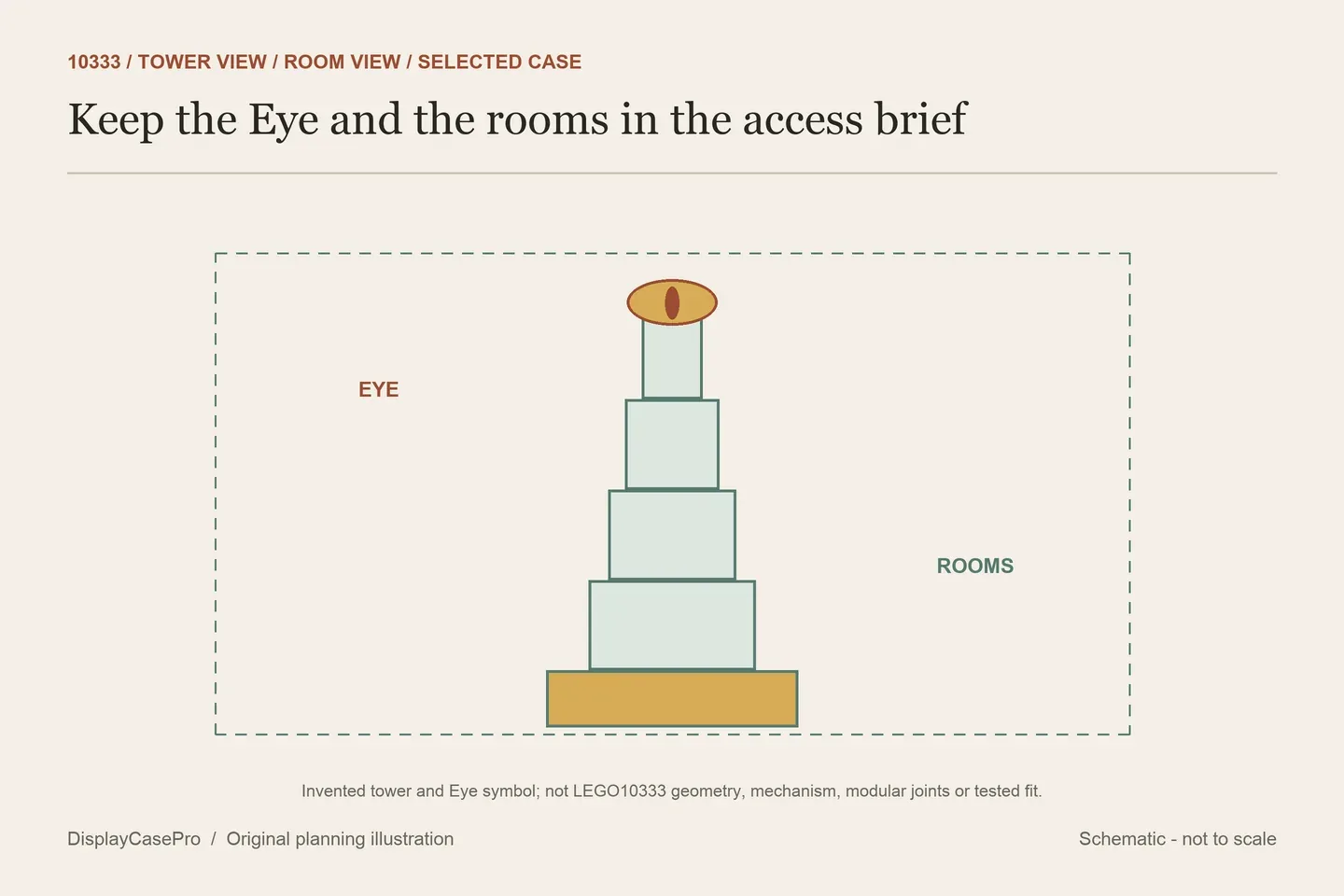
Choose a LEGO Barad-dûr display case for the 10333 tower, its illuminated Eye and the room view you intend to keep. Standard and limited editions can open differently. Identify that access method before comparing the tall exterior, and list any separate Fell Beast model as an addition requiring its own confirmation.
Start with the complete fortress and one preferred view
LEGO’s 10333 specification gives the fortress as over H83 × W45 × D30 cm. It describes a four-section modular structure, detailed interior rooms and ten minifigures. The Eye illuminates and moves, while a brick button operates the main gate.
Decide whether the tall exterior silhouette or the room details should lead the normal view. Include the highest retained detail, full base, figures and any separate information plaque in the record. A photograph of the front alone cannot explain how you intend to reach the gate control or a room.
| Priority | Record from your display | Ask the case maker |
|---|---|---|
| Tower and Eye | Highest point, intended Eye state and normal viewing height. | Clear cavity above the finished floor and access to the selected control. |
| Room details | The room-facing orientation and intended section access. | Which enclosure parts open before the model is approached? |
| Fortress and figures | Complete base plus each retained separate figure or addition. | Actual receiving layout, plaque position and whole exterior. |
Keep the model’s normal closed display separate from a later change or demonstration. Follow the actual set instructions for its sections and controls. The reference height does not describe how much room any particular handling operation needs.
The standard case does not inherit limited-edition pivots
Wicked Brick’s standard 10333 page explicitly distinguishes it from the Limited Edition: the standard version lacks pivoting rear panels and has slimmer dimensions. It describes lifting the clear surround from grooves in the base.
That difference matters when you want to return to the interior rooms. Ask which product and exact panel arrangement the quote covers. Keep the receiving drawing and routine access instructions with the selected standard or limited edition, rather than combining their preferred features into one imaginary case.
The page also links a separate Limited Edition for 10333 with 40693 Fell Beast. A link to that combination does not establish that the standard enclosure receives an added physical creature or includes it. List the separately owned model and its support when requesting a combined scene.
Retain the height datum with each quoted size
These descriptions were read on 18 October 2026. They are published specifications, without physical fit, access, protection or structural testing for this guide.
| Exact case | Published dimensions | Boundary to retain |
|---|---|---|
| Wicked Brick standard | W50 × D38 × H86.3 cm. | Inside/outside unlabelled; single 5 mm matte base described. |
| Blacked Brick | External W53 × D43 × H85 cm. | Selected acrylic or wood base; clear cavity still needed. |
| iDisplayit | Inside L47 × W32 × H88 cm; outside L49 × W34 × H89 cm. | Labelled cavity and full exterior are separate. |
| Kingdom Brick Supply | Approx. inside L48.8 × W36 × H87.2 cm; outside L50.3 × W37.5 × H88.1 cm. | Retain approximate definitions and intended layout. |
| BrickShell standard | H34 × W20 × D14 in. | Axes stated; inside/outside unlabelled. |
Blacked Brick’s product selector offers acrylic and wood bases. Its external 85 cm height and the model’s over-83 cm reference do not prove two centimetres of usable room. Request the height above the selected finished floor and avoid importing a wood thickness from another product.
BrickShell’s standard description names snap-fit construction and a clear or Mordor-printed option. The inspected main does not specify a magnetic front. Obtain this product’s own routine opening instead of borrowing that feature from another tower case.
A printed Fell Beast is not an additional supported model
Kingdom Brick Supply describes a Mordor background featuring Mount Doom, flying Fell Beasts and lightning. Those elements are printed scenery. They do not add a physical 40693 model or establish its receiving outline inside the standard case.
Keep the actual figure group and any separately built addition on the same plan as the fortress. Kingdom Brick Supply gives a 60 × 44-stud reference, while iDisplayit gives 58 × 40 studs. Neither reference is a complete map of every room projection, Eye position or additional model.
Check the view through the selected rear treatment. A scenic panel can frame the tower’s silhouette; a clear rear can preserve another sightline where the room permits it. Resolve the intended view and access independently, because transparency alone does not provide a door.
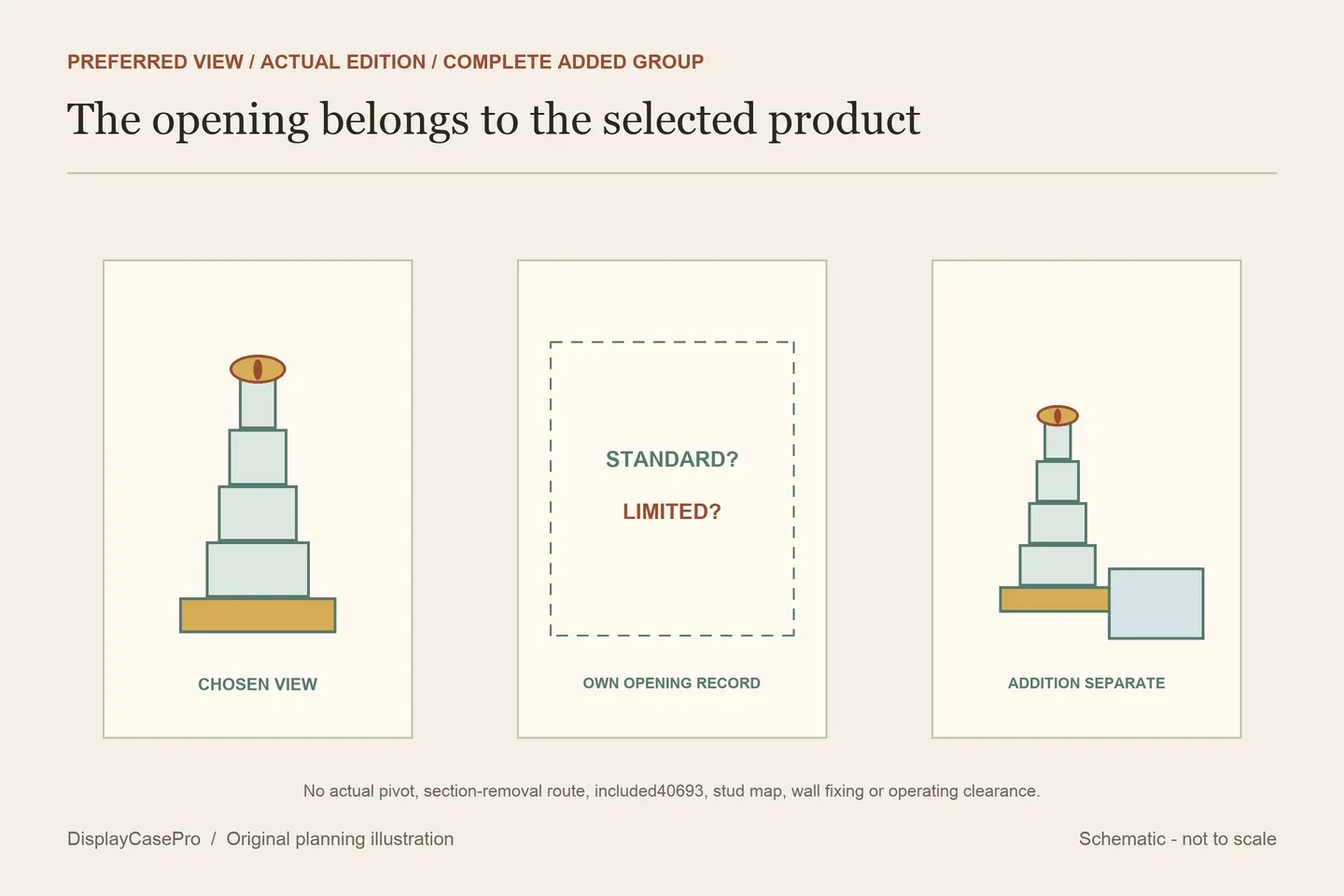
Give the opened surround and model sections their own places
iDisplayit’s 10333 description specifies twenty-two fittings with the lid secured to the surround, then the assembled box placed over the model. Confirm its complete removal route and resting position before expecting to approach the rooms.
Keep Eye and gate operation in the same access brief. A tall static cavity can receive the settled model while leaving the selected control inconvenient to reach. Ask how the actual enclosure opens first, then follow the model instructions rather than improvising a reach between the tower and acrylic.
Both iDisplayit and Kingdom Brick Supply state that their cited cases are not designed for relocation with the model inside. Use the Barad-dur view, edition and access worksheet with the LEGO shelf case guide to settle the final position and whole-cover route.
Common questions
Does every Barad-dur case have a pivoting rear?
The cited Wicked Brick standard page expressly says it does not. Confirm the chosen edition and actual opening.
Does a Mordor print establish room for 40693?
Identify a separately added physical model and its support. Printed creatures are artwork, without adding receiving space.
Comments
Share a display tip or ask a question.