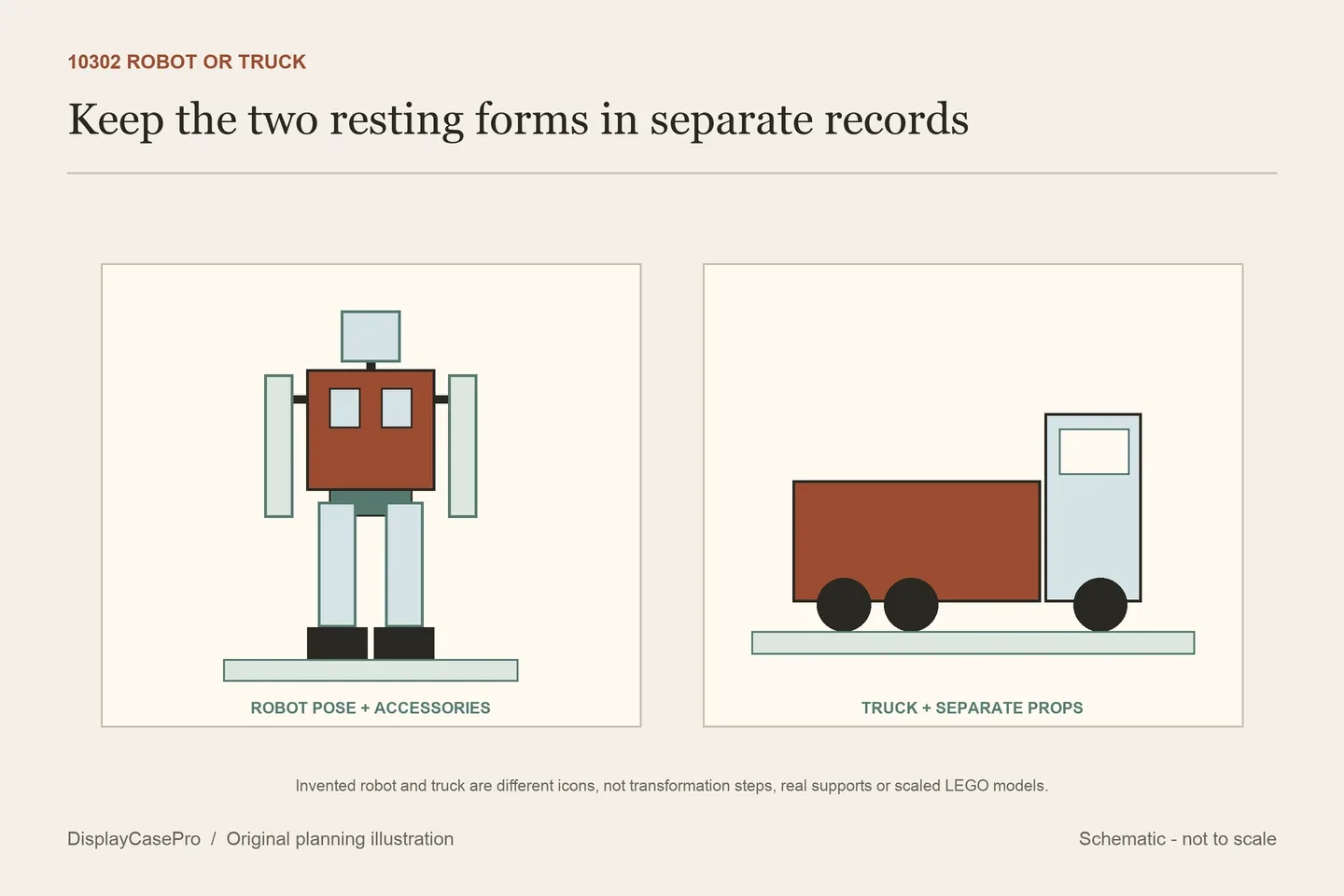
Choose a LEGO Optimus Prime display case for one defined state of set 10302: robot or truck. The two forms have different outlines, and a robot pose changes again when the blaster, axe or jetpack is attached. Keep the actual accessories, plaque and base interface in the fit record rather than treating “10302 compatible” as approval for every configuration.
Do not combine a robot height with a truck footprint
The LEGO 10302 specification gives the truck as over H15 × L27 × W12 cm and the robot as over 35 cm tall. It describes conversion between the forms, articulated robot joints, the chest chamber and accessories including the jetpack, ion blaster, Energon axe and cube.
| State | Published reference | What still needs measuring |
|---|---|---|
| Truck | Over H15 × L27 × W12 cm. | The actual converted model, any separately displayed accessories and plaque. |
| Robot | Over 35 cm tall; the descriptive specification does not give a complete three-axis robot envelope. | Actual width and depth with chosen arms, legs, held objects and jetpack. |
Do not turn those references into a robot measuring 35 × 12 × 27 cm. The 12 and 27 cm figures belong to the truck description. A combined-looking dimensions widget should not override the explicit state information in the specification.
Likewise, a case chosen for the truck is not automatically a case for a crouched robot, and a taller robot case does not automatically receive every truck-and-accessory arrangement. Select the form first, then record the complete presentation.
A weapon or jetpack can become the limiting projection
Decide whether the robot holds the blaster, axe, both or neither. Record the arms in their intended resting positions and include the furthest weapon tip. A body-centred measurement can miss the part that approaches the front or side panel.
Include the jetpack's rear projection if it remains attached. Choose what happens to the cube, plaque and any unused accessory: retained elsewhere, placed separately inside the case, or omitted from the scene. Keep that inventory explicit rather than assuming the floor is empty around the feet.
Wicked Brick's product describes an inset stud for the model and a cutout for its display plaque. That defines a particular base interface. Ask how it receives the intended stance and whether that pose matches the case's actual layout.
A stud, cutout and flat base are different arrangements. Do not move a foot, force a joint or improvise an attachment simply to make a pose work with a locating feature. The case name does not supply a new model-support method.
Compare the actual robot and truck case products
These first-party descriptions were read on 17 October 2026. Missing axes and measurement boundaries remain unresolved. The entries are specification comparisons, not hands-on tests or ranked recommendations.
| Case | Published dimensions | Configuration question |
|---|---|---|
| Wicked Brick 10302 | External W28 × D26 × H38.3 cm; inset stud and plaque cutout. | Clear interior and the actual supported robot/accessory pose. |
| Brickcessories 10302 | Assembled 300 × 230 × 380 mm; axes and inside/outside not labelled. | Labelled receiving space; “dynamic poses” does not define every arm or weapon position. |
| iDisplayit robot | Inside L32 × W21 × H36 cm; outside L34 × W23 × H37 cm. | Actual robot width/depth, held objects and plaque location. |
| iDisplayit truck | Inside L32 × W18 × H18 cm; outside L34 × W20 × H19 cm. | The converted truck and all separately presented accessories. |
| shopPOPdisplays P_21043 | Approximate external size including base H16 × W12 × D11 inches. Base cutout explicitly not included. | Clear cavity and the actual model support; the box does not supply a cutout by implication. |
| Dia Display Studio 10302 | Overall W23.8 × H23.8 × D43 cm, as labelled in the page. | Resolve the axis and robot-state conflict before treating the size as compatible. |
iDisplayit's robot and truck cases are separate products: 36 cm and 18 cm internal heights respectively. The shared 32 cm internal length does not make the enclosures interchangeable, and the truck case's low profile does not establish space for a partly transformed model.
For the robot case, 36 cm inside minus a reference described as “over 35 cm” is not a guaranteed one-centimetre allowance. Use the actual highest point and supported pose. The descriptive reference also does not identify the width or depth with weapons extended.
shopPOPdisplays' 16 × 12 × 11-inch figures include the base and are approximate external measurements. Do not calculate a supposedly exact cavity from its acrylic sheet thickness. Its explicit lack of a base cutout should remain in the contents record.
Keep the Dia axis conflict visible instead of fixing it yourself
Dia's description presents an upright robot while labelling the overall height as 23.8 cm and depth as 43 cm. The stated height conflicts with LEGO's over-35 cm robot reference. That is a request for clarification, not permission to swap the height and depth until the numbers look plausible.
Ask for a labelled front and side drawing of the actual product, the intended pose and usable dimensions above the base. Leave fit unresolved until those details agree. A precise-looking decimal does not make an inconsistent axis definition reliable.
The same page's FAQ says the display cases are non-lighted, while generic text elsewhere refers to LED USB frames. Keep the case and frame statements separate and confirm the actual selected configuration. Neither wording establishes a powered feature for every 10302 order.
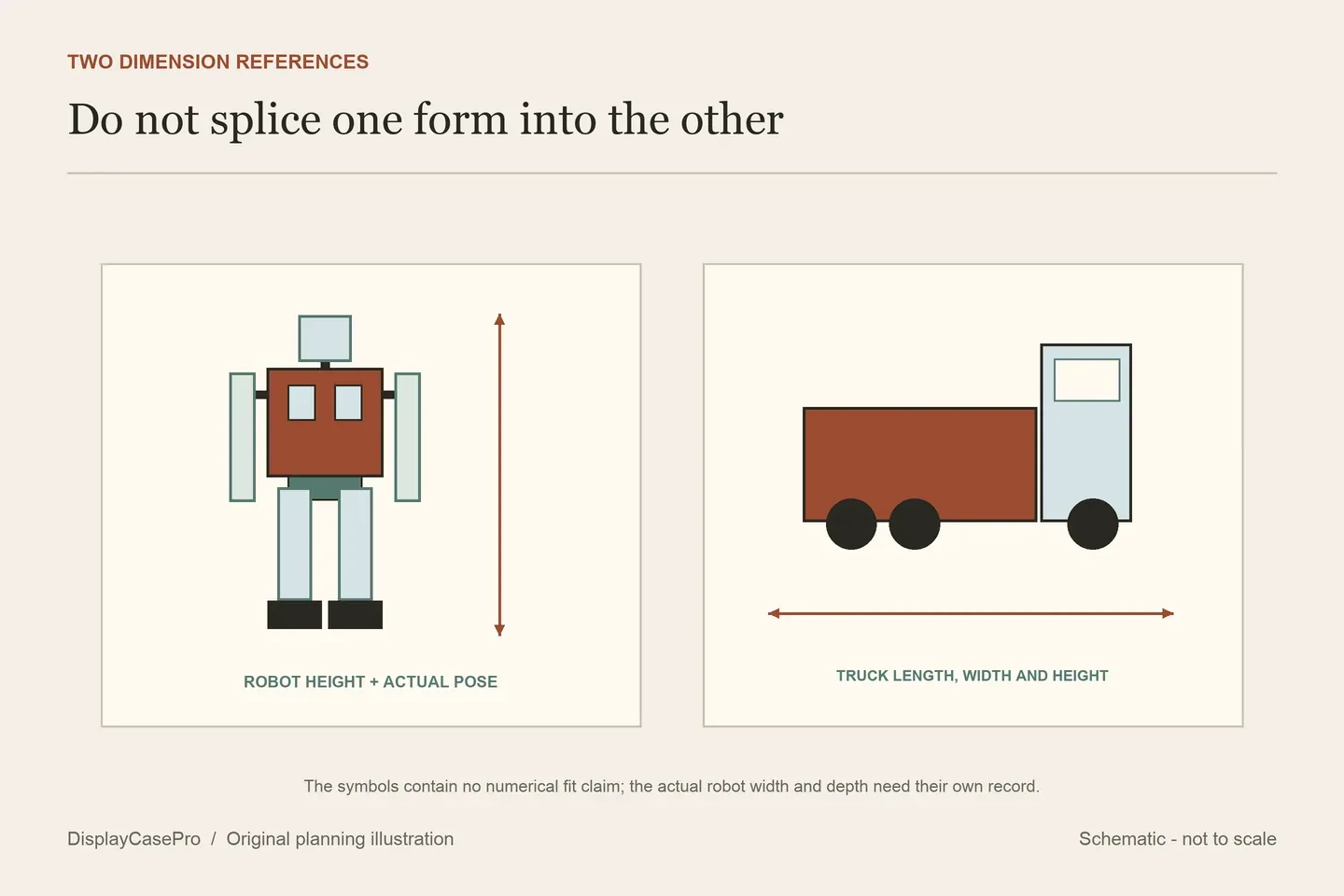
Convert the model where access has been established
A case receiving one resting form has not provided room to transform the model inside it. Conversion includes moving body sections and handling the model, so decide where that operation will happen after the enclosure is opened as intended.
iDisplayit describes a clear surround placed over the model and located on the base, with the lid placed on top during assembly. Confirm the routine opening sequence for the selected robot or truck case; assembly seams should not become assumed access doors.
Keep the plaque and loose accessories away from the chosen removal route. For the truck, record whether the unused robot accessories remain in the case and how their positions affect the complete footprint. For the robot, identify what must be removed before handling its joints.
Use the Optimus Prime form and accessory worksheet. The collection measurement guide covers the finished occupied outline. Generic stackable, dustproof or protective wording does not establish a tested stack load, unrestricted motion or permanent protection.
Common questions
Is the official robot footprint 12 × 27 cm?
The cited descriptive specification assigns those dimensions to the truck and gives the robot's height separately. Measure the chosen robot pose.
Can I transform Optimus inside a robot case?
Static fit does not establish operating room. Plan conversion only after the intended enclosure access is established.
Should I rotate a seller's conflicting axes?
Obtain a corrected labelled drawing from the maker. Do not turn an interpretation into a verified specification.
Comments
Share a display tip or ask a question.